🗺️ The Component Breakdown: Analyzing Product Types for Av Control
Building an efficient Av Control system requires selecting the right central command interface, the necessary signal routing hardware, and the hubs to manage invisible, cabinet-hidden devices.
Centralized Command: Unifying the Interface
The primary challenge is replacing the pile of remotes with a single, intelligent control point.
-
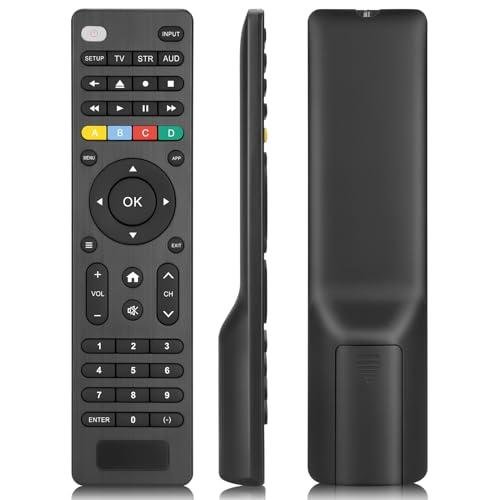
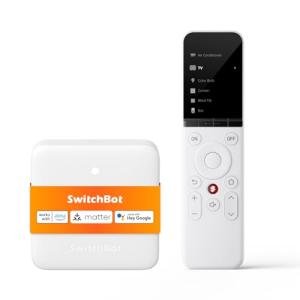
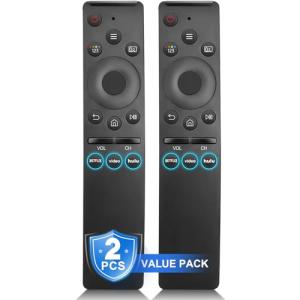
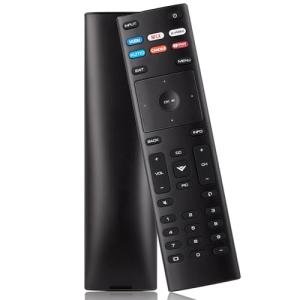
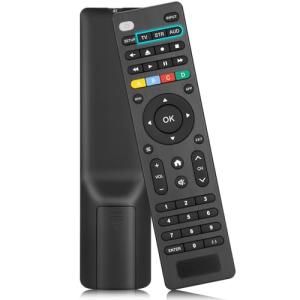
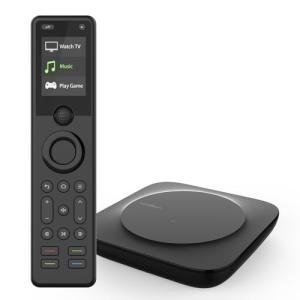
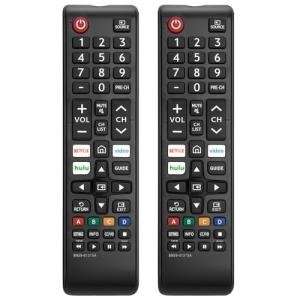
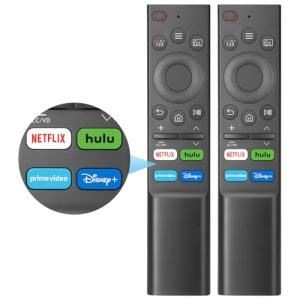
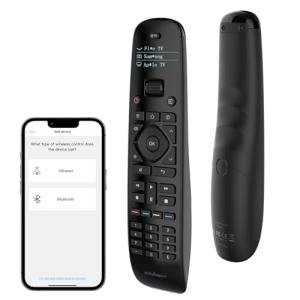
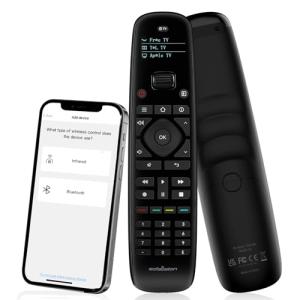
Universal Smart Remotes: These advanced remotes are the nerve center of your Av Control system. They consolidate the functions of dozens of devices—TV, receiver, streaming box, gaming console—into one handheld unit, often integrating with Wi-Fi and Bluetooth devices as well as traditional infrared (IR). A Universal Smart Remote is the key to effortless Seamless Control , allowing you to execute complex macro commands (e.g., "Start TV") with a single press.
-
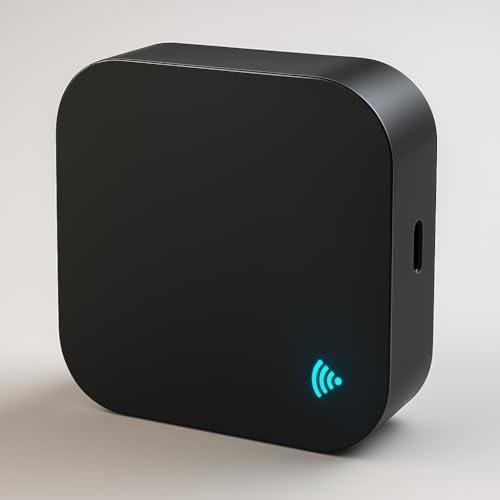
IR/RF Hubs: These devices are essential for bridging the gap between your Wi-Fi network and older or cabinet-hidden components that only accept infrared (IR) or radio frequency (RF) commands. An IR/RF Hub receives a smart command (via Wi-Fi) and relays it physically to the device, ensuring your AV gear can be stored out of sight while maintaining Seamless Control . This component is vital for professional, clean installations.
Signal Routing and Switching: Managing the Sources
As the number of 4K/8K media sources grows, manual switching becomes tedious. These components automate the process.
-
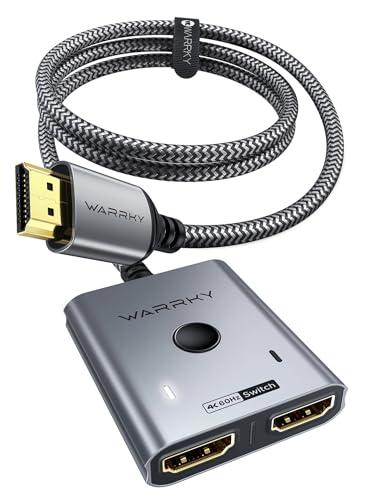
Smart HDMI Switches (with Smart Features): When your TV or AV Receiver lacks enough high-bandwidth inputs for all your devices (e.g., gaming PC, console, streaming box), a Smart HDMI Switch acts as an automatic selector. Smart versions can often detect which device is active and automatically switch to that input, or they can be manually controlled via your centralized Av Control hub, eliminating the need to physically swap cables.
Content and Storage: The Central Media Source
For serious collectors, local file management requires a dedicated, network-accessible source.
-
Media Servers: This refers to dedicated network hardware (often a NAS drive or small computer) that stores large libraries of personal media (movies, music, photos) and streams them to any compatible Streaming Devices or smart TV across your home network. A Media Server centralizes your content, providing reliable, high-bandwidth access and delivering superior file organization and Enhanced Comfort for media consumption.
You should layer your Av Control system in this order: Start by deploying an IR/RF Hub and a Smart HDMI Switch to manage all your current sources and devices (especially those hidden in cabinets). Next, introduce a Universal Smart Remote to consolidate all command functions. Finally, install a Media Server if you plan to host a local content library. This layered system provides end-to-end Seamless Control over your entire audiovisual stack.
3. 🧪 Key Technical Standards and Advanced Use Cases
The effective functioning of Av Control relies on non-video-related communication and switching standards. Key technical standards include: CEC (Consumer Electronics Control) , which allows devices (like a smart remote via an HDMI switch) to command the TV and sound system over the HDMI cable itself (e.g., turning off the TV automatically turns off the receiver); and Wi-Fi and IP Control , where modern devices expose API interfaces that hubs use to send commands directly over the network, providing faster and more reliable Seamless Control than traditional IR.
For media management, look for Plex or Emby compatibility with your Media Server . This software ensures your content is organized, tagged, and streamed flawlessly to any device in the home, maximizing the utility and Enhanced Comfort of your stored content.
Consider an advanced use case: Media Room Automation and Environmental Monitoring.
You can configure a sophisticated "Goodnight" routine using your Av Control tools. The single command "Goodnight" on your Universal Smart Remote can trigger the central hub to power off the TV and the AV Receiver (via IP control), check if the Media Server is active (and safely shut it down if necessary), dim all lights to 5%, and arm the security system in the "Stay" mode. This sequence provides holistic Seamless Control over security, power, and media systems.
A related scenario is using the Media Server or controller for subtle Secure Monitoring . If the Media Server experiences an unexpected, dramatic failure (e.g., a drive crash), it can be programmed to send a critical notification to your phone, alerting you to the data vulnerability before a full data loss occurs, ensuring the integrity of your personal library.
4. Lifestyle Guide
Your consumption habits, device complexity, and tolerance for remote clutter should dictate your Av Control system components. Here are three distinct archetypes and the perfect system tailored for each.
🧘 The Simplicity-Seeking User (The "Remote Consolidationist")
Your main priority is eliminating the clutter of multiple remotes in the living room and gaining voice control over your existing TV, cable box, and soundbar. You seek effortless Enhanced Comfort through universal interaction.
-
The Fit: You need one central device that can learn and transmit IR signals to all your equipment reliably.
-
Recommendation: A Universal Smart Remote paired with an IR/RF Hub . The remote becomes your single interface, and the hub ensures commands reach all devices, even those hidden away, providing a massive upgrade in Seamless Control and reducing living room frustration.
🚀 The Performance-Focused User (The "Integrated Tech Commander")
You have a large number of components—gaming consoles, dedicated 4K streamers, AV receivers—all requiring high-bandwidth inputs and synchronized power control. You demand total command over input switching and source routing. You demand absolute Seamless Control and zero bottlenecks.
-
The Fit: You require high-speed switching hardware and IP-based control to manage devices instantly and flawlessly.
-
Recommendation: A Smart HDMI Switch (for managing high-bandwidth inputs) paired with an IR/RF Hub and a Universal Smart Remote . The switch handles all video routing, and the hub/remote system orchestrates the power/input changes across all devices, ensuring immediate, reliable response to every Av Control command.
💼 The Budget-Expansion User (The "Archivist")
Your focus is on efficiently storing, organizing, and streaming your vast personal media collection (e.g., ripped DVDs, home videos) to smart TVs throughout the house. Your budget prioritizes data accessibility and security over complex physical remote control. You need affordable Secure Monitoring of your media files.
-
The Fit: You need a centralized device that can organize and serve content reliably across the home network.
-
Recommendation: A robust Media Server (likely a NAS drive configured with Plex or Emby software). This single component handles content management, streaming, and backups, providing centralized Enhanced Comfort and digital Secure Monitoring of your media library, which is the most critical function for this user.
5. COMPLEMENTARY CATEGORY RECOMMENDATIONS
| Recommended Categories |
Why This Category Is Useful Specifically for This Product |
Short Usage Scenario |
| Streaming Devices |
AV Control manages the source switching between multiple Streaming Devices (like a gaming console and a premium streaming box) and routes them to the display. |
Using the Universal Smart Remote to switch the Smart HDMI Switch from the streaming box input to the Xbox input. |
| Smart Visuals |
Av Control orchestrates the power and input settings for Smart Visuals displays (TVs, projectors) and deploys Motorized Projector Screens . |
Tapping the "Projector" button on the remote to automatically drop the Motorized Projector Screen and power on the 4K Laser Projector. |
| Soundbars Audio |
Av Control manages the volume and source selection for AV Receivers and Dolby Atmos Soundbars, centralizing audio management for Enhanced Comfort . |
Using the Universal Smart Remote to power on the soundbar and set the volume level automatically for the "Watch News" scene. |
| Smart Home Control |
Central hubs and dedicated control panels execute macro commands sent by Av Control hubs, coordinating media devices with environmental factors. |
Tapping a wall panel button to activate the "Home Theater" scene via the IR/RF Hub , which closes shades and dims the lights. |
| Networking Gear |
Reliable high-speed networking is essential for the Media Server to stream high-bitrate media and for control hubs to communicate instantly. |
Ensuring the Media Server is connected via Gigabit Ethernet to the main router for rapid, lag-free file access. |
| Power Storage |
UPS devices should be used to protect the Media Server and Smart HDMI Switches from power loss, preventing data corruption and preserving Seamless Control . |
The UPS sending a signal to the Media Server to safely shut down during an extended power outage. |
| Home Security |
Av Control components can be integrated with security systems to manage visual alerts and audio notifications, contributing to Secure Monitoring . |
A security sensor triggering the Universal Smart Remote to vibrate with a motion alert. |
| Automation Tools |
Programmable buttons offer a quick, alternative physical interface to trigger complex, timed sequences managed by the Av Control hub. |
Hitting a small button near the entrance to activate the "Away" scene, turning off all media components via the IR/RF Hub . |
Committing to premium Av Control is the key to unlocking the true potential of your integrated media systems. By deploying a Universal Smart Remote , an IR/RF Hub , and a Smart HDMI Switch , you eliminate clutter and gain unparalleled Seamless Control over every component. This specialized system provides total Enhanced Comfort for media consumption while ensuring your digital resources and systems are always managed securely, offering a powerful layer of Secure Monitoring for your home.