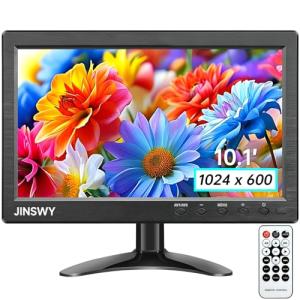
🗺️ The Component Breakdown: Analyzing Product Types for Smart Displays
The Smart Displays sub-category can be logically grouped into two primary functional areas: Central Control Points and Contextual Integration Points . Understanding these groupings is key to designing an effective smart home routine, providing both Secure Monitoring and easy automation access.
Group 1: Central Control Points (Dedicated Displays)
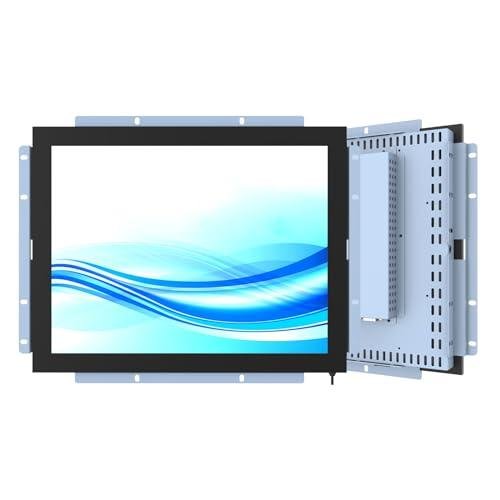
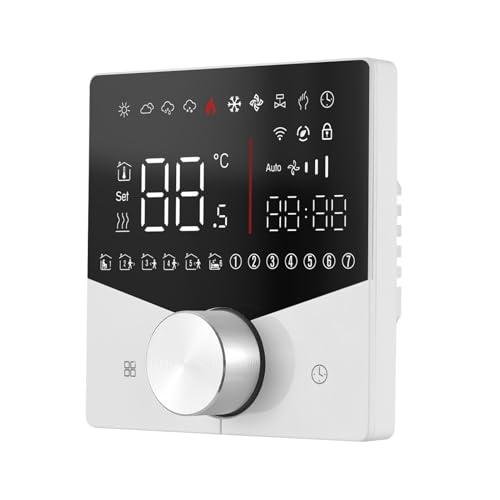
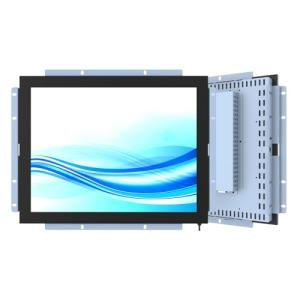
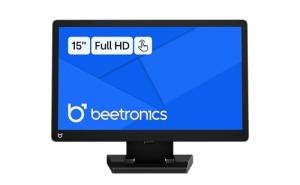
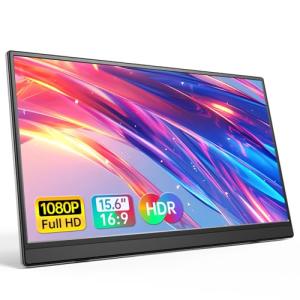
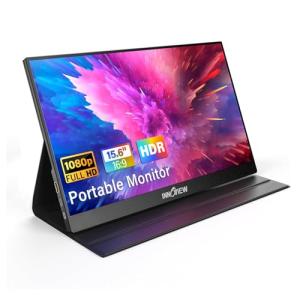
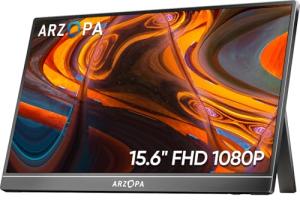
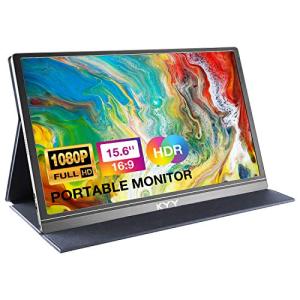
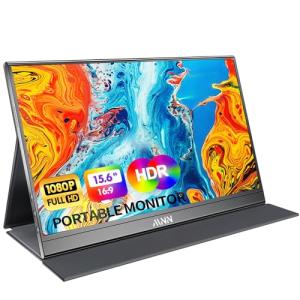
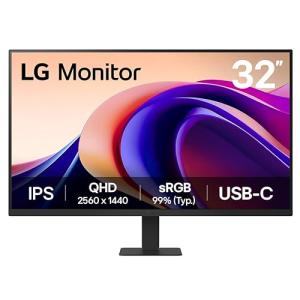
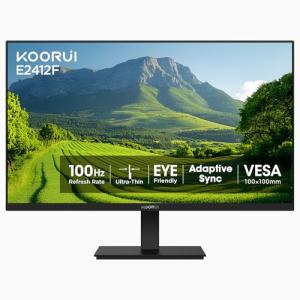
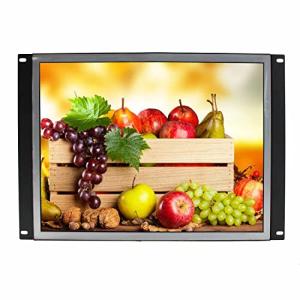
This group includes Dedicated Control Panels and Large Screen Displays (15"+) . These devices are designed to be stationary, highly visible anchors in key, high-traffic areas like the kitchen, living room, or entryway.
-
Utility: A Dedicated Control Panel often serves as a permanent, wired interface for your home security or automation system, offering the highest level of stability and always-on access. The Large Screen Displays (15"+) excel as dynamic, shared dashboards. Imagine you're in the middle of preparing dinner; a quick glance at the large screen shows your calendar, the indoor camera feed from the nursery, and quick-access tiles to your kitchen light scenes, all thanks to your central Smart Displays .
-
Choice Guidance: Choose a Dedicated Control Panel if system stability and security management (like arming/disarming a security system) are your top priority. Opt for a Large Screen Display (15"+) if your main goal is entertainment, visual recipe guidance, and a central hub for shared family information and video calls.
Group 2: Contextual Integration Points (Personalized & Mobile)
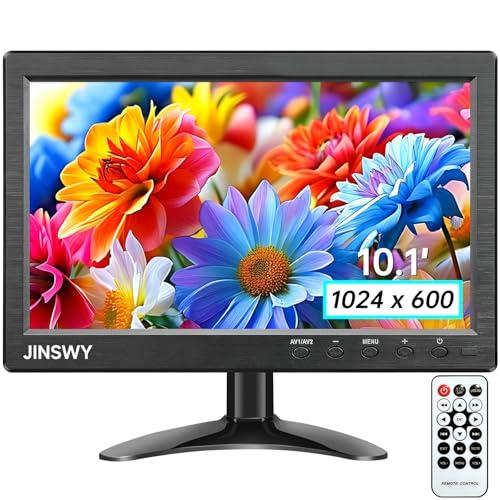
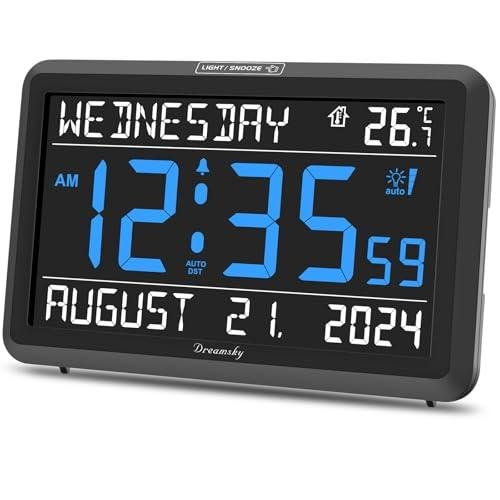
This grouping covers Mid-Size Displays (8-10") and Smart Clock Displays . These are positioned for specific, individual use cases or smaller rooms.
-
Utility: The Mid-Size Displays (8-10") are perfect for your home office or bedside table, offering a personalized console without dominating the space. They provide Seamless Control over room-specific settings—for example, quickly adjusting the smart office lighting or starting a focus playlist during your workday. The Smart Clock Displays prioritize a minimal footprint, giving you time, weather, and basic controls, often with an integrated speaker for music or podcasts. In a micro-scenario, you can check the time and turn off your main floor lights with a simple bedside command, maintaining Enhanced Comfort as you wind down.
-
Choice Guidance: Use Mid-Size Displays (8-10") where you need full-featured video chat and streaming capabilities, but in a smaller package. Reserve Smart Clock Displays for areas where space is limited and primary functions are time, brief information retrieval, and quiet voice control.
Layering & Integration
To achieve maximum synergy with your Smart Displays system, you must layer these product types.
-
Establish the Core: Start with a Dedicated Control Panel or a Large Screen Display (15"+) in your main living area. This acts as the visual master controller and the hub for Secure Monitoring of your perimeter cameras and smart locks.
-
Add Context: Deploy Mid-Size Displays (8-10") in secondary areas like the home office and bedroom. These should be configured for rapid, localized automation—one-tap "Work Mode" or "Good Night" routines.
-
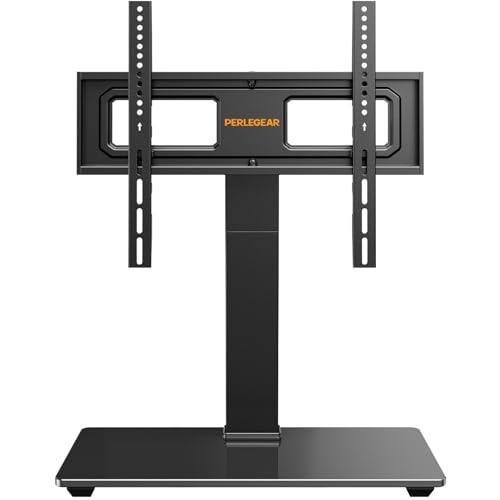
Enhance Utility: Finally, utilize Display Stands & Mounts across all sizes to optimize viewing angles and aesthetics. A proper stand ensures your Smart Displays are easy to interact with and look like a seamless part of your home décor, rather than an afterthought. This layered approach ensures that visual control is always within reach, boosting overall system reliability and providing powerful Seamless Control throughout your home.
🧪 Key Technical Standards and Advanced Use Cases
The performance of your Smart Displays system hinges on robust connectivity. You should prioritize devices that support modern networking standards like Wi-Fi 6 (802.11ax) . This ensures the necessary bandwidth and reduced latency for streaming multiple security camera feeds simultaneously or hosting high-definition video calls on your Large Screen Displays (15"+) . For advanced interoperability and true Enhanced Comfort across brands, look for new devices supporting the Matter standard. Matter allows various smart devices to communicate locally, meaning your display can control a smart lightbulb even if they come from different manufacturers.
Advanced Usage: The Home Office Automation Hub
You can leverage your Smart Displays beyond simple command execution through sophisticated automation. Consider the optimization of your home office environment. Using a Mid-Size Display (8-10") as your automation hub, you can trigger a custom "Focus Scene."
-
Scenario: As you sit down, the display recognizes your presence (often through a paired motion sensor). It automatically closes your smart shades, adjusts the smart thermostat to your preferred working temperature, sets your smart lighting to a bright, cool white, and silences all notifications.
-
Actionable Data: Your Smart Displays can then function as a dynamic data panel, showing a clock countdown for focused work periods, the status of your garage door (for Secure Monitoring ), or a real-time graph of the room's air quality. This moves your display from a simple interface to an active, personalized productivity partner, a genuine testament to the utility of Seamless Control . A simple voice command to the display can then transition you to a "Meeting Mode," instantly changing the lighting for a video call. This level of customized routine provides maximum Enhanced Comfort during your workday.
4. Lifestyle Guide
The Tech Minimalist
Your goal is to achieve maximum functionality with the fewest, most integrated devices. You value elegance and a clean aesthetic, viewing tech as a tool for simplicity, not complexity. You need systems that are reliable and practically invisible until you need them, providing robust Seamless Control in a discreet package.
-
The Fit: Smart Clock Displays fit perfectly on your nightstand or a bookshelf, offering the core voice assistant functions and time display without the visual clutter of a large screen. You can use a simple voice command or tap interface to interact with your lighting and climate control, providing effortless Enhanced Comfort without a bulky panel. You appreciate that these Smart Displays offer Secure Monitoring via voice commands to check a connected camera, all while blending into your décor.
-
Recommendation: Smart Clock Displays combined with Display Stands & Mounts .
The Performance-Focused User
You treat your home like a finely tuned machine. You demand real-time data, high-speed responsiveness, and the ability to manage complex routines from a powerful, central location. Your primary concern is instantaneous Secure Monitoring and the ability to execute multi-step automations without delay.
-
The Fit: The Large Screen Displays (15"+) are essential for your command center setup. You can view four camera feeds simultaneously, manage the whole-home heating/cooling zones, and use the wide screen for quick-access scripting of complex automation. For example, before you leave on vacation, you use your Smart Displays to trigger a "Vacation Lockup" routine that confirms all doors are locked, sets a security perimeter, and lowers the thermostat—all visible on one screen for total peace of mind and Enhanced Comfort .
-
Recommendation: Large Screen Displays (15"+) combined with Dedicated Control Panels .
The Budget-Expansion User
You are building your smart home in stages and need high-utility devices that can grow with your system. You seek cost-effective devices that provide reliable core functions now but won't become obsolete later. You prioritize a strong blend of value and future-proofing, ensuring your Smart Displays offer long-term Seamless Control .
-
The Fit: Mid-Size Displays (8-10") offer the best blend of screen size, video chat capability, and price point. They are versatile enough to serve as a kitchen assistant, a communication hub, or a bedroom media device. You can start with one and gradually add more to spread Secure Monitoring and Enhanced Comfort throughout your home as your budget allows. These Smart Displays are highly compatible with future sensors and hubs, ensuring your initial investment remains valuable.
-
Recommendation: Mid-Size Displays (8-10") combined with Display Stands & Mounts .
5. COMPLEMENTARY CATEGORY RECOMMENDATIONS
| Recommended Categories |
Why This Category Is Useful Specifically for This Product |
Short Usage Scenario |
| Home Security |
Smart Displays are the primary visual interface for monitoring video doorbells and security cameras, providing real-time footage and two-way talk. |
View a live feed from your video doorbell on your kitchen display when a guest arrives. |
| Lighting Climate |
Displays offer Seamless Control over smart lighting and thermostats via a visual, touch-based interface, simplifying environmental adjustments. |
Tap your Mid-Size Display to adjust the thermostat and dim the living room lights for a movie night. |
| Central Hubs |
A dedicated hub ensures all your smart devices communicate reliably, freeing up your Smart Displays to focus purely on the interface and media functions. |
Use your display to send a command, knowing the central hub ensures instant execution across all protocols like Zigbee and Z-Wave. |
| Voice Assistants |
Displays have integrated voice assistants, but standalone voice devices offer hands-free control in rooms where a screen might be intrusive. |
Control the music playing on your display from across the room using a dedicated voice assistant speaker. |
| Entertainment Tech |
Displays are excellent for streaming, but connecting them to soundbars or AV receivers offers superior audio and video experiences. |
Cast a streaming video from your Large Screen Display to your main smart TV and soundbar system. |
| Automation Tools |
Devices like smart buttons or remotes allow you to trigger complex routines quickly, which are often configured and managed via your display's interface. |
Tap a pre-configured smart button to activate a "Good Morning" routine, which is easily set up on your display. |
| Networking Gear |
Reliable, high-speed Wi-Fi (like mesh systems) is critical for ensuring that high-bandwidth devices like Smart Displays and video feeds operate without lag. |
Upgrade to a Wi-Fi 6 mesh system to ensure lag-free video calls and Secure Monitoring on all your screens. |
| Smart Sensors |
Sensors provide the environmental data (motion, temperature, contact) that your Smart Displays use to trigger sophisticated, proactive automation routines. |
Your display automatically shows the outdoor temperature and turns on the AC when a room sensor detects it's too warm. |