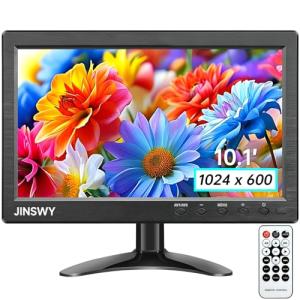
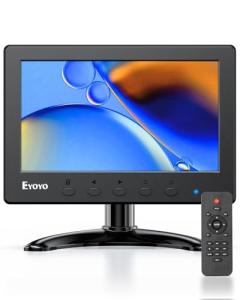
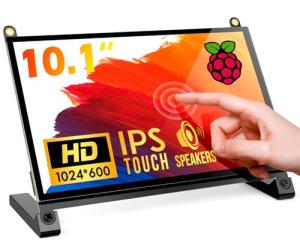
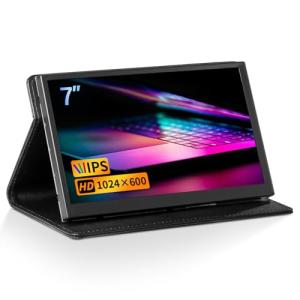
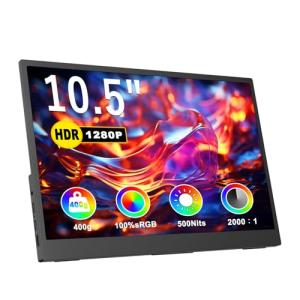
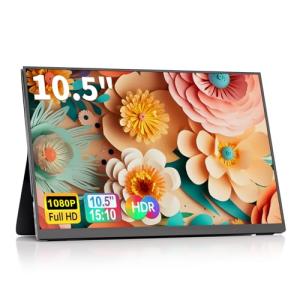
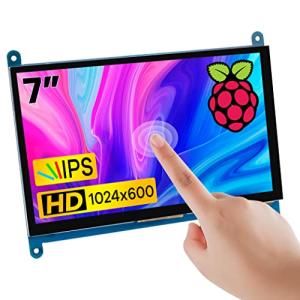
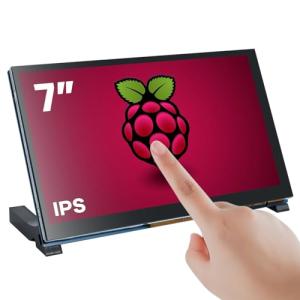
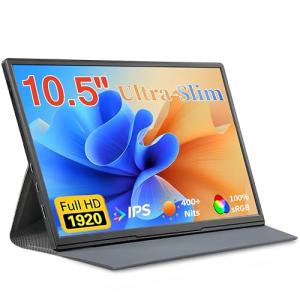
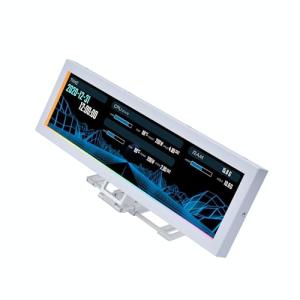
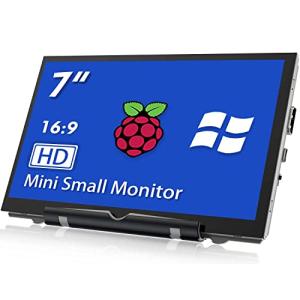
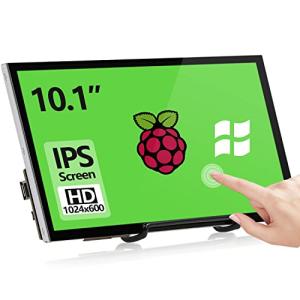
🔌 Choosing Your System: Key Features and Compatibility
Selecting the ideal Mid-Size Displays (8-10") involves considering how you intend to use it—is it a dedicated communication tool, a bedside alarm, or a portable kitchen assistant?
Essential Variations
The portability and power source are the primary differentiators in this category:
-
Plug-in Only (Fixed Location): These are the most common and often the most affordable. They must remain plugged into a wall outlet, typically featuring the most robust speakers and fastest processors due to continuous power.
-
Pros: Always on, reliable for 24/7 Monitoring , excellent for fixed locations like a dedicated home office or a kitchen countertop.
-
Cons: Zero portability. The need for a power cord limits placement options, which can be tricky in older homes in the Northeast where outlets are scarce.
-
Battery Base Models (Semi-Portable): This variation usually involves an optional or integrated battery that allows the display to be unplugged and moved for a limited time.
-
Pros: Great for flexibility—you can move the display from the kitchen counter to the dining room table for a video chat or to the garage for quick control.
-
Cons: The battery adds cost and bulk. Battery life is typically limited to a few hours of active screen use, compromising long-term 24/7 Monitoring unless returned to its base.
The camera functionality is also a key variation. Some models include advanced features like automatic face tracking during video calls, which can greatly enhance communication with family or for professional calls from your desk.
Compatibility Protocols
A Mid-Size Displays (8-10") should enhance your smart home, not complicate it. Compatibility is vital for maximizing its utility, especially its Remote Access capabilities.
-
Wi-Fi: All Mid-Size Displays (8-10") use Wi-Fi. A strong, stable connection is critical since you’ll be streaming video, pulling live camera feeds, and using voice commands constantly. If you're installing one in a basement apartment or far from your main router, consider a Wi-Fi extender to ensure high-quality 24/7 Monitoring .
-
Matter/Thread: Just like their larger counterparts, the most forward-thinking Mid-Size Displays (8-10") often serve as a Matter controller or Thread Border Router . This designation is highly valuable, allowing you to directly and locally control devices from other brands using the new universal smart home standard. This is the surest path to seamless integration.
-
Proprietary Protocols: Be aware that some displays are deeply integrated into their parent company's ecosystem (e.g., specific Amazon or Google devices). While they control devices within that ecosystem flawlessly, you might need a separate central hub to bridge communication to devices using protocols like Z-Wave or older Zigbee products.
🛠️ Installation and Setup Walkthrough
The installation of a Mid-Size Displays (8-10") is designed for the typical consumer, taking only minutes. Preparation, however, is key to reliable performance.
Pre-Installation
Your most critical step is location planning. Because the device functions as a Remote Access point and a communication tool, choose a spot that is centrally located within the room but away from direct sunlight (which can wash out the screen or trigger overheating). If you plan to use it for video calls, ensure the background is appropriate. Confirm the chosen spot has a clear path to the nearest power outlet and that the Wi-Fi signal strength is reported as high in that exact location.
Installation Guide
-
Unbox and Power: Place the Mid-Size Displays (8-10") on its chosen surface. Plug the power cord into the back of the display and then into the wall outlet.
-
Initial Configuration: The display will power up and guide you through selecting your language. Use the touchscreen to connect to your home's Wi-Fi network.
-
App Pairing: Download the appropriate mobile app (e.g., Alexa or Google Home) on your smartphone. The display will provide a code or use proximity detection to pair with your phone.
-
Account Linking: Follow the in-app prompts to link your smart home accounts (lights, cameras, thermostats). This grants the display the necessary Remote Access permissions to control your other devices.
-
Personalization: Set up personal preferences, including a custom dashboard layout, specific alarm tones, and voice recognition profiles for each household member.
Troubleshooting
4. Advanced Automation and Maximizing Value
The Mid-Size Displays (8-10") is more than a control panel; it’s an automation trigger. Leveraging its capabilities for automated routines greatly enhances your smart home’s seamlessness.
Automation Scenarios
-
The Bedside Guardian: Place a Mid-Size Displays (8-10") on your nightstand. You can automate a "Good Night" routine triggered by voice command or a time schedule. This routine dims the lights, sets the thermostat for the night, and switches the display’s screen to the 24/7 Monitoring view of your front door security camera feed. If any motion is detected overnight, the screen flashes red while maintaining system silence elsewhere, giving you an immediate, personalized alert.
-
The Kitchen Assistant: In your kitchen, integrate the display with your smart power monitoring plug. If the plug registers that the coffee maker has finished brewing (by detecting a change in power draw), the display can play a customizable alert sound and show a full-screen notification that "Coffee is Ready!" This uses Energy Efficiency data to provide a practical utility notification.
-
Video Call Drop-In Automation: Program a presence sensor in your home office. When you sit down and the sensor registers your presence, the Mid-Size Displays (8-10") automatically switches from a family photo slideshow to a calendar widget, enables the "Do Not Disturb" mode, and sends a notification to the other displays in the house that "Dad is on a call," streamlining your work environment.
Longevity & Maintenance
Keeping your Mid-Size Displays (8-10") operating at peak performance is simple. Regular firmware updates are crucial and typically happen automatically, but it’s good practice to manually check the device settings every few weeks, particularly for security and Remote Access vulnerability patches. If your model uses an optional battery base, follow guidelines to avoid deep discharge and excessive heat, which can prematurely degrade the battery and limit portability. Finally, use the privacy features—physically sliding the camera shutter closed and muting the microphone when not in use—to ensure your privacy and confidence in the device’s long-term integration into your home.
5. COMPLEMENTARY CATEGORY RECOMMENDATIONS
| Recommended Categories |
Why This Category Is Useful Specifically for This Product |
Short Usage Scenario |
| Home Security |
The display is the perfect size for instantly viewing live security camera feeds and providing visual feedback for door alerts, enhancing 24/7 Monitoring . |
See a full-screen feed of your indoor pet camera when you ask, "Show me the dog." |
| Smart Lighting |
Provides a visual dashboard for precise lighting control, including color changes and scene setting, which is easier than voice for complex lighting. |
Use the touch screen to set the kitchen counter lights to 40% brightness and a warmer color temperature for dinner prep. |
| Thermostats |
The display serves as a secondary, always-available interface to monitor and adjust climate control schedules for maximum Energy Efficiency . |
View the ambient room temperature and change the AC setting before getting out of bed. |
| Smart Sensors |
Sensors provide the data (motion, contact, temp) that the display uses to trigger advanced notifications and routines. |
A contact sensor on the medicine cabinet triggers a notification on the bedside display if opened late at night. |
| Voice Assistants |
Dedicated voice assistants (like pucks) in other rooms extend the overall voice control range, complementing the display's visual capability. |
Ask a compact speaker in the bathroom to "Add shampoo to the list" that automatically appears on the kitchen display. |
| Networking Gear |
Reliable Wi-Fi is crucial for streaming video, video calls, and timely Remote Access updates on the display. |
Install a high-speed router to ensure zero lag when viewing a 1080p live feed on the display. |
| Smart Power |
Smart plugs can be monitored and controlled directly from the display, providing power monitoring and simplifying appliance automation. |
View the current power draw of your washing machine directly on the display to confirm the cycle is complete. |
| Control Accessories |
Stands and mounts ensure the display is positioned optimally for viewing and calling, improving its function and aesthetic placement. |
Use a tilt-adjustable mount to position the display perfectly on the kitchen backsplash, keeping it out of the way of spills. |
6. CONCLUSION
By choosing one of the top-tier Mid-Size Displays (8-10") , you are investing in the heart of your home's daily operational flow. You now understand the key distinctions in power, portability, and compatibility that matter most for a successful integration. These displays provide effortless Remote Access , instant 24/7 Monitoring , and practical pathways to better Energy Efficiency . Stop fumbling for your phone—your new command center is ready to simplify your life, giving you the practical, visual control you need right where you need it most. Go ahead, take control of your smart space today.