🗺️ The Component Breakdown: Analyzing Product Types for Security Cams
To design a high-performance video system, you must think of Security Cams based on their required environment and specialized function: Location & Power and Specialized Use & Support .
Group 1: Location & Power
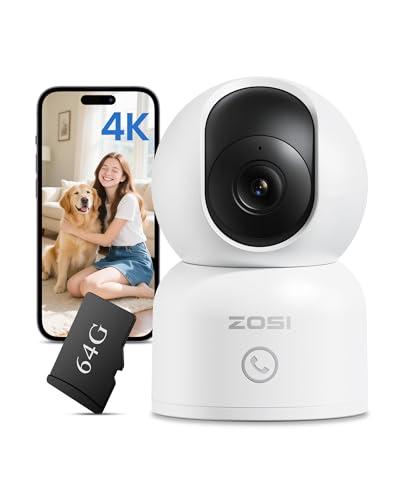
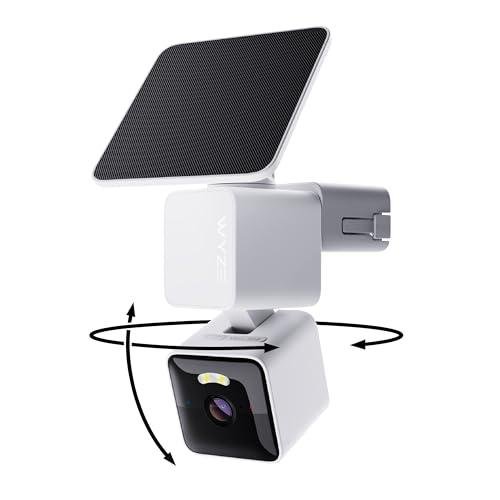
This foundational group addresses the core placement challenges of surveillance, covering Indoor Security Cameras and Outdoor Security Cameras .
-
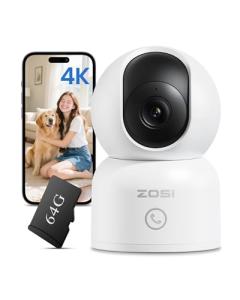
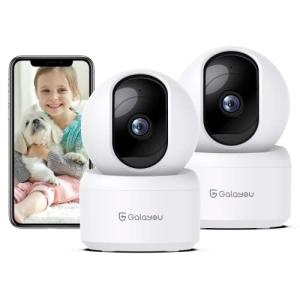
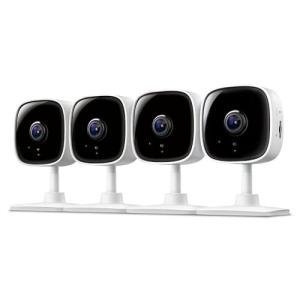
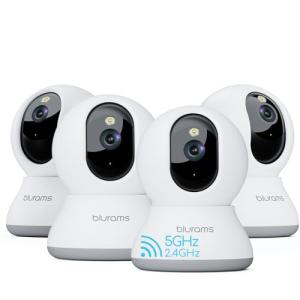
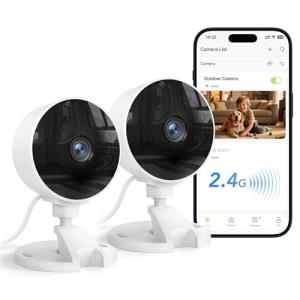
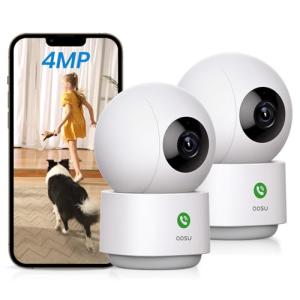
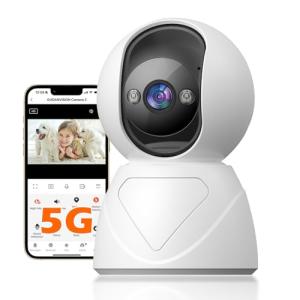
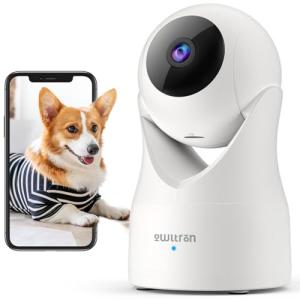
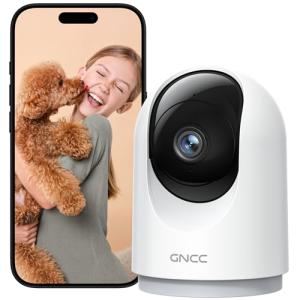
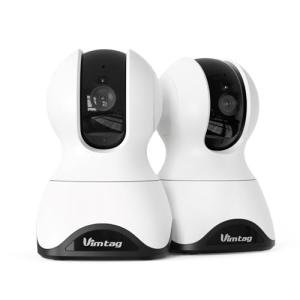
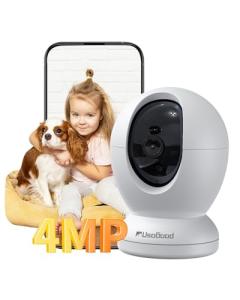
Utility: Indoor Security Cameras are designed for monitoring specific internal zones, often featuring features like two-way talk for communication and pan/tilt capabilities to cover wide areas. They provide a vital layer of Secure Monitoring for entryways, nurseries, or valuables. Outdoor Security Cameras are built to withstand weather, featuring IP ratings and robust mounting options. They protect the perimeter and deter potential intruders, and should prioritize night vision and wide-angle lenses for comprehensive coverage.
-
Choice Guidance: Use Indoor Security Cameras where connectivity is easy and discreet placement is desired—such as in a home office environment to ensure no one accesses restricted items. For exterior monitoring, always choose Outdoor Security Cameras that are hardwired or solar-charged to guarantee uninterrupted power, which is critical for continuous Secure Monitoring and avoiding battery maintenance, thus promoting Enhanced Comfort .
Group 2: Specialized Use & Support
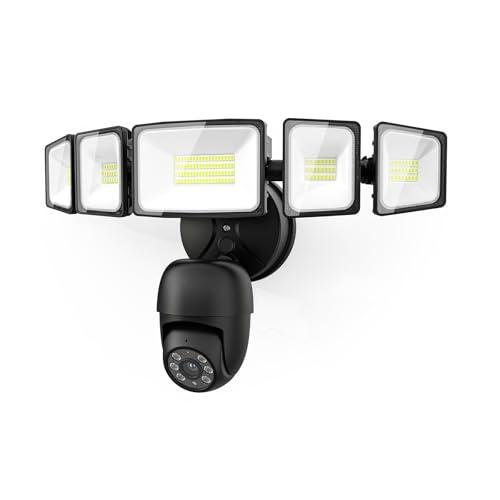
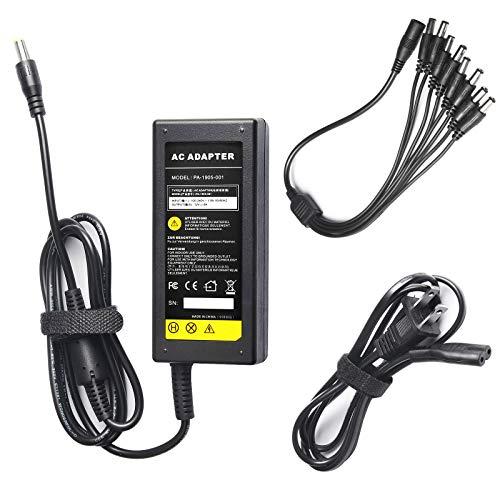
This group addresses specific needs like proactive lighting and system integration, featuring Floodlight & Trail Cams and Security Camera Accessories .
-
Utility: Floodlight & Trail Cams blend active deterrence with surveillance. Floodlight cameras replace existing outdoor lighting fixtures, offering bright, motion-activated illumination that deters intruders while capturing high-quality, color night vision footage. This combination provides a powerful active Secure Monitoring solution. Security Camera Accessories (like anti-glare mounts, protective housing, or solar panels) are essential for optimizing camera performance, ensuring the lens stays clean and the battery remains charged.
-
Choice Guidance: Deploy Floodlight & Trail Cams over garages or back patios where you need maximum deterrence and reliable, high-quality video. This simplifies installation by combining power and light, offering better Seamless Control over your exterior environment. Invest in quality Security Camera Accessories to solve environmental problems (e.g., using an angle mount) or power issues (solar panel), ensuring your cameras function optimally, thereby maintaining Enhanced Comfort .
Layering & Integration
A resilient video system combines diverse camera types to create a unified field of view and utilizes integration to enhance deterrence and notification.
-
Establish Perimeter Coverage: Install Outdoor Security Cameras to monitor key access points (front yard, driveway) and add Floodlight & Trail Cams for high-risk zones that require powerful active deterrence.
-
Ensure Interior Visibility: Deploy Indoor Security Cameras to monitor internal entry points and sensitive areas. Use pan/tilt models for broad coverage if necessary.
-
Optimize Visuals and Power: Utilize Security Camera Accessories (such as specialized mounts or solar panels) to ensure every camera has a clear, non-glaring view and consistent power.
-
Create Actionable Alerts: Integrate all Security Cams with your central hub. For example, if an Outdoor Security Camera detects an unidentified person, it automatically triggers the living room smart display to show the live feed and triggers an audible warning through your voice assistant, providing powerful Seamless Control over the security response.
🧪 Key Technical Standards and Advanced Use Cases
For reliable, high-resolution video streams, Security Cams demand excellent network performance. You should prioritize cameras utilizing Wi-Fi 6 for better bandwidth management and reduced latency, ensuring your live view loads instantly—a critical aspect of Secure Monitoring . For local storage or complex system integration, look for cameras supporting ONVIF or, increasingly, devices compatible with the Matter standard. Local processing for object detection (person, package, pet) is also vital, as it reduces false alerts and maintains privacy, improving Enhanced Comfort .
Advanced Usage: Geofenced Privacy and Automated Patrol
You can leverage the power of advanced Security Cams for sophisticated, privacy-respecting automation and proactive coverage.
-
Scenario (Optimizing the Home Office Environment): You have an Indoor Security Camera in your office. You set a geofencing routine tied to your phone. When you are home, the camera is automatically put into a "Privacy Mode" or physically covered (pan/tilt models can turn away). When you leave the house, the camera automatically switches to "Full Secure Monitoring Mode."
-
Automated Patrol: Utilize Indoor Security Cameras with pan/tilt functionality to run a scheduled "Automated Patrol" when you are away. This routine commands the camera to scan four predefined positions (e.g., kitchen window, front door, safe) every hour, capturing crucial snapshots of your home's interior and providing visual confirmation that nothing has changed. This programmatic Seamless Control elevates the effectiveness of your absence monitoring and contributes significantly to Enhanced Comfort .
4. Lifestyle Guide
The Simplicity-Seeking User (The Hands-Off Viewer)
You want basic visual verification of key areas, primarily to quickly check on pets or receive simple alerts about visitors. Your priority is easy installation and reliable, no-fuss functionality.
-
The Fit: Simple, wireless Indoor Security Cameras are ideal for quick deployment in the main living area or nursery. You value the simplicity of battery power and the ease of app-based viewing. For outdoors, an all-in-one Floodlight & Trail Cam simplifies installation by using existing electrical wiring and offers excellent low-light performance. This combination provides focused Secure Monitoring with minimal complexity and maximum Enhanced Comfort .
-
Recommendation: Indoor Security Cameras combined with Floodlight & Trail Cams .
The Performance-Focused User (The Comprehensive Recorder)
You require 24/7 recording, high-resolution video storage, and specialized features like advanced object recognition across all areas. Reliability and continuous operation are critical for legal and safety purposes.
-
The Fit: You need hard-wired Outdoor Security Cameras complemented by dedicated Security Camera Accessories like professional-grade mounts and weather shields. For interiors, choose premium Indoor Security Cameras that support continuous recording to a local server (NVR/NAS) rather than just cloud clips. This system offers the highest level of Secure Monitoring , total video retention, and guaranteed Seamless Control over the footage and alerts.
-
Recommendation: Outdoor Security Cameras combined with Indoor Security Cameras and Security Camera Accessories .
The Budget-Expansion User (The Phased Deployer)
You are building a system gradually, prioritizing critical security coverage first. You need flexible, affordable cameras that can easily integrate and scale as your budget allows.
-
The Fit: Start with a few versatile Indoor Security Cameras that can be temporarily placed outdoors under eaves (if rated for some weather exposure) or used to monitor the garage. Prioritize models that rely on a shared hub to avoid multiple subscription fees. As your budget allows, introduce Outdoor Security Cameras for permanent perimeter coverage. This phased approach, supported by careful selection of expandable Security Cams , ensures reliable Seamless Control and scalable Enhanced Comfort .
-
Recommendation: Indoor Security Cameras combined with Outdoor Security Cameras .
5. COMPLEMENTARY CATEGORY RECOMMENDATIONS
| Recommended Categories |
Why This Category Is Useful Specifically for This Product |
Short Usage Scenario |
| Smart Displays |
Displays provide the primary, immediate visual interface for viewing live feeds and reviewing footage from Security Cams . |
Display the live video feed from the backyard camera on your kitchen smart display while you are cooking. |
| Central Hubs |
A hub can coordinate alerts from Security Cams with non-camera devices (e.g., triggering a siren or locking a smart lock). |
The outdoor camera detects motion and tells the hub to lock the back door automatically. |
| Networking Gear |
High-performance networking (Wi-Fi 6 mesh) is essential for handling the bandwidth demands of multiple high-res Security Cams . |
Upgrade to a mesh network to ensure lag-free, uninterrupted 2K video streaming from all cameras simultaneously. |
| Smart Sensors |
Sensors (e.g., door/window contact) provide the definitive proof of a breach, confirming the camera's visual alert for Secure Monitoring . |
A door contact sensor triggers the camera to begin recording at maximum resolution immediately. |
| Voice Assistants |
Voice commands allow for hands-free control of camera privacy modes or instant viewing on a linked display. |
Say, "Turn off the living room camera," to engage the camera's privacy mode for Enhanced Comfort . |
| Smart Locks |
Integration with smart locks allows you to visually verify a visitor and then grant access remotely via the camera's interface for Seamless Control . |
Use the camera feed to see a repair person and then unlock the smart lock via the same app. |
| Smart Power |
Smart power strips or plugs can be used to hard-reboot unresponsive cameras remotely, maintaining Secure Monitoring uptime. |
Remotely cycle the power on an interior camera that has gone offline to restore the connection. |
| Outdoor Lighting |
Floodlight Cams are a convergence product, but other smart outdoor lighting can be triggered by the camera's motion to enhance night vision. |
The backyard camera detects a person and automatically turns on the smart landscape spotlights for better visibility. |