Modernizing a home entertainment setup often requires bridging the gap between classic analog hardware and the convenience of modern Bluetooth. Whether the goal is to transmit television audio to headphones or stream high-fidelity music to a vintage stereo, selecting the right wireless adapter is essential for a seamless experience. This guide explores the most reliable solutions for achieving low-latency, high-quality audio across any environment.
Wireless Audio
Experience the freedom of high-quality sound without the hassle of messy wires


Product List
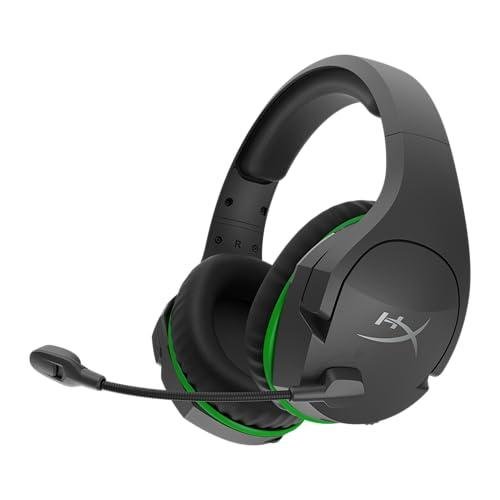
HyperX CloudX Wireless Headset
Hyperx
Product Review Score
4.63 out of 5 stars
187 reviews$99.99 $66.48
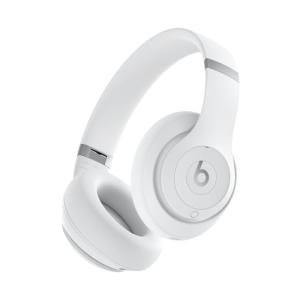
Beats Studio Pro Headphones
Beats
Product Review Score
4.89 out of 5 stars
177 reviews$349.95 $149.99
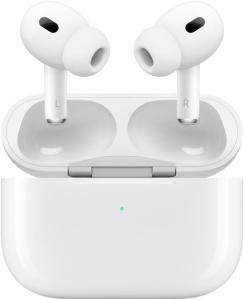
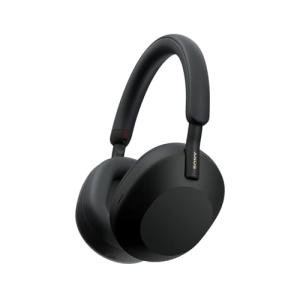
Sony WH-1000XM5 Headphones
Sony
Product Review Score
4.27 out of 5 stars
146 reviews$399.99 $248.00
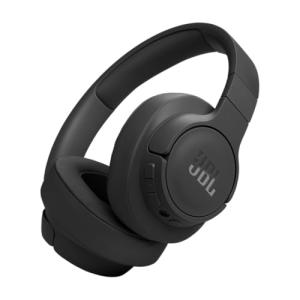
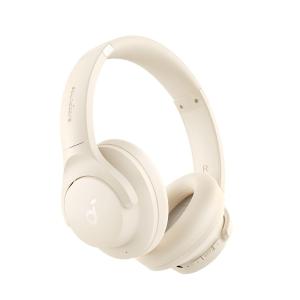
Soundcore Q20i Wireless Headphones
Soundcore
Product Review Score
4.52 out of 5 stars
232 reviews$69.99 $37.99
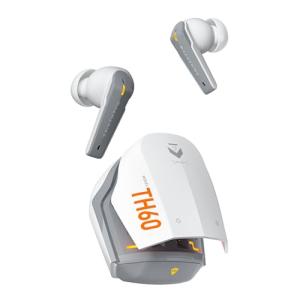
Machenike TH60 Noise Cancelling Earbuds
Machenike
Product Review Score
4.51 out of 5 stars
46 reviews$48.99
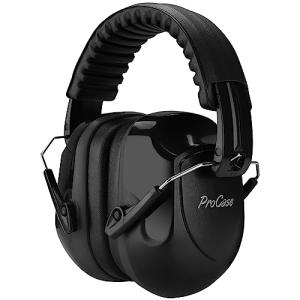
Noise-Cancelling Ear Muffs
Procase
Product Review Score
4.29 out of 5 stars
101 reviews$16.99 $13.99
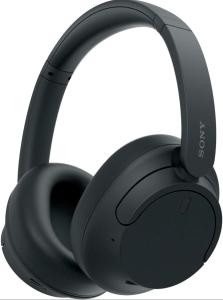
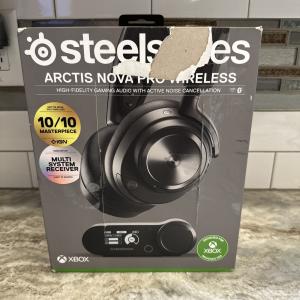
SteelSeries Arctis Nova Pro Headset
Steelseries
Product Review Score
4.73 out of 5 stars
60 reviews$249.99
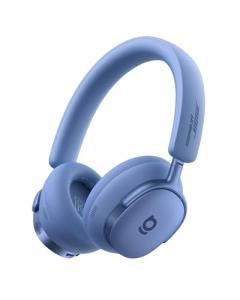
Baseus Inspire XH1 Headphones
Baseus
Product Review Score
4.16 out of 5 stars
155 reviews$149.99 $99.99
💡 Practical Usage Tips
- To avoid a distracting hum or buzz in the audio, it is best to plug the transmitter into a dedicated wall outlet rather than using a USB port on the back of a television.
- Positioning the device at least three feet away from a Wi-Fi router helps prevent signal drops and popping sounds caused by wireless interference.
- When using an adapter for watching TV, ensure that both the transmitter and the headphones support APTX LOW LATENCY to keep the sound perfectly synced with the actors' lips.
- If the audio seems too quiet, turn the volume up on the transmitter first before making adjustments on the headphones to maintain the clearest possible sound.
✅ What to Look For & ⚠️ What to Avoid
Must-Haves:
- Look for a device with external antennas like the YMOO 3-in-1 Wireless Audio Transmitter & Receiver to ensure the signal can pass through walls and furniture.
- Seek out units that offer a BYPASS MODE, which allows a soundbar and wireless headphones to play audio at the same time without swapping cables.
- Choose adapters that feature clear LED indicators so the active connection type and codec are visible at a glance.
Red Flags:
- Be cautious of ultra-compact adapters that lack high-fidelity codecs, as they often suffer from significant audio delay during movies.
- Avoid devices that rely solely on an internal LITHIUM POLYMER BATTERY for stationary home theater use, as these cells will eventually degrade and limit the product's lifespan.
- Watch out for transmitters that do not include physical volume buttons, as this makes it much harder to balance the signal without reaching for a remote.
🛡️ Build Quality & Performance
The construction of wireless audio transmitters generally falls into two categories: portable utility and stationary hubs. Portable models, such as the AirFly SE, prioritize a lightweight feel and integrated cables designed to withstand the rigors of travel. These devices often feature reinforced stress relief at the connection points to prevent the internal wiring from fraying after repeated use in tight spaces like airplane armrests.
Stationary units designed for home use often utilize a more robust plastic chassis equipped with external antennas. While these units are not meant to be moved frequently, they offer a sturdier feel and tactile controls like physical GAIN ADJUSTMENT WHEELS. Performance in these models is typically superior due to better heat dissipation and dedicated signal processing chips that maintain a stable SIGNAL-TO-NOISE RATIO, ensuring that background hiss is kept to an absolute minimum during quiet passages of music or film.
🏆 Top Recommendations
| Best For | Model Name | Key Feature | Why It Wins |
|---|---|---|---|
| Long-Range Home Use | YMOO 320ft Kit | 2.4GHz RF Link | Incredible range and zero lag. |
| Air Travel | Avantree Relay | Dual-Prong Hinge | Fits any plane jack perfectly. |
| Multiroom Streaming | WiiM Mini | Wi-Fi Streaming | Higher resolution than Bluetooth. |
| Budget Friendly | UGREEN Adapter | 2-in-1 TX/RX | Simple, portable, and reliable. |
❓ Frequently Asked Questions
What is the difference between Bluetooth and 2.4GHz RF adapters?
Bluetooth is great for connecting to existing headphones and smartphones, but it can sometimes have a slight delay. Proprietary 2.4GHz RF systems use a dedicated receiver and provide a faster, more stable connection that is ideal for subwoofers or watching live TV.
Can these devices connect to two headphones at once?
Many modern transmitters offer a "Dual Link" feature, allowing two people to listen to the same movie wirelessly. However, keep in mind that the audio quality may drop to a basic level if one of the connected headphones doesn't support advanced features.
Why do I hear a humming noise in my speakers?
This is often caused by a GROUND LOOP. It usually happens when the transmitter is powered by a USB port on the same device it's taking audio from. Switching to a separate wall plug usually fixes this immediately.