🗺️ The Component Breakdown: Analyzing Product Types for Power & Storage
Building a resilient digital infrastructure requires a strategic mix of protection, organization, and high-capacity data retention. Within the Power & Storage segment, we analyze five specialized product types to show you exactly how to construct this robust system.
Power Protection: The Shield Against Instability
Power quality issues are the most common threat to sensitive electronics. These products ensure your equipment receives clean, continuous energy.
-
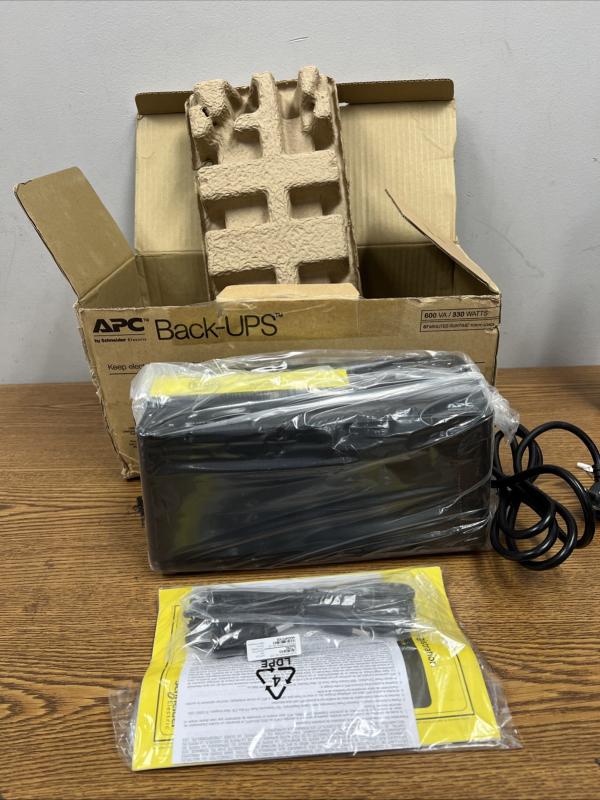
Uninterruptible Power Supplies (UPS): A UPS is the cornerstone of your Power & Storage strategy. It provides instantaneous battery backup power when the main electricity fails. This gives you crucial time to safely shut down computers, or—more importantly for a smart home—keeps your modem, router, and central hub online for continuous Secure Monitoring and internet access during short outages. Choosing a UPS is non-negotiable for critical devices.
-
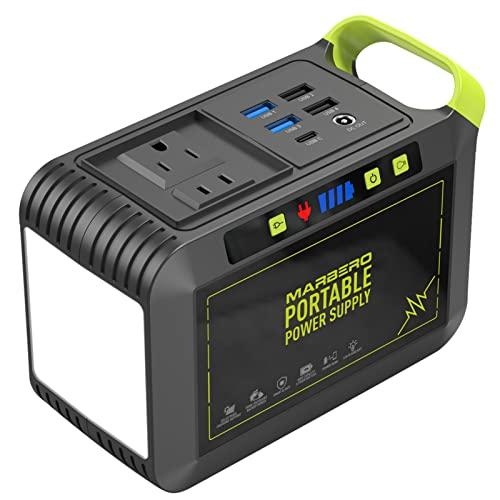
Portable Power Stations: While a UPS handles short blips, a Portable Power Station offers hours, or even days, of backup power. These high-capacity batteries are perfect for running a select group of essential items (refrigerators, medical devices, core networking gear) during prolonged blackouts, providing true Enhanced Comfort and operational continuity when the grid is offline. This versatile Power & Storage solution can also be used outdoors or in emergency situations.
Connectivity & Organization: Streamlining the Workstation
Modern compact devices rely heavily on simplified ports like USB-C. These components ensure you have the necessary connections and power delivery where you need them most.
-
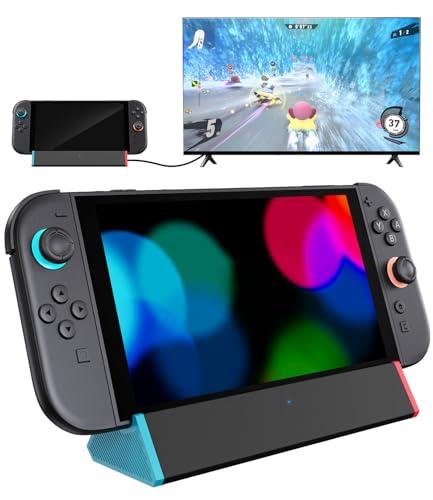
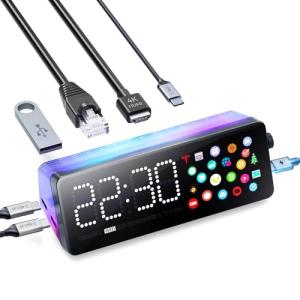
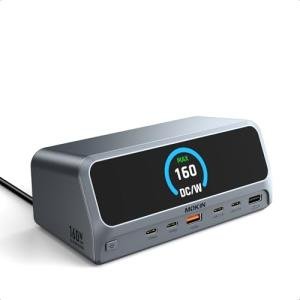
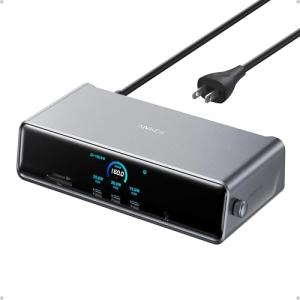
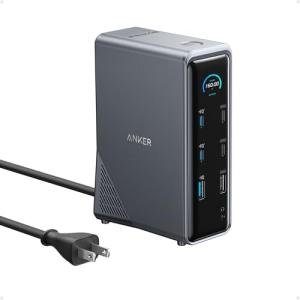
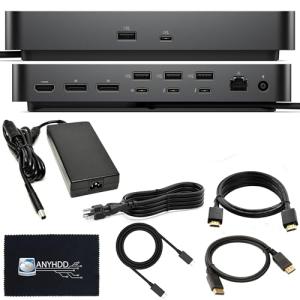
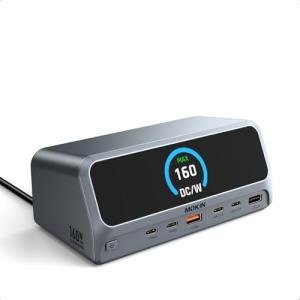
Smart Docking Stations: These are specialized hubs, often integrating Thunderbolt or high-speed USB-C, designed to convert a single laptop port into multiple outputs (video, USB-A, Ethernet). A smart docking station typically offers high-wattage Power Delivery (PD) to charge your laptop while managing all connected peripherals. This is the key to a clean desk, delivering superior Seamless Control over your connectivity and power management.
-
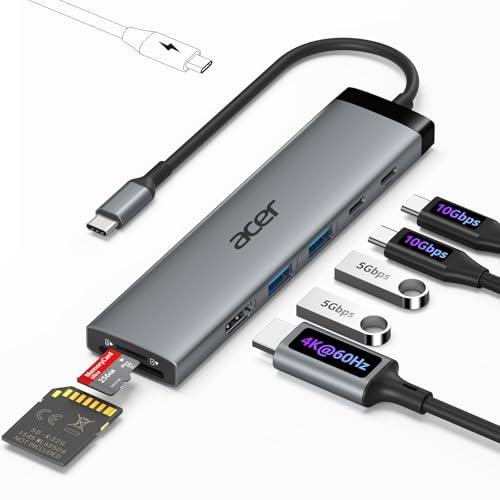
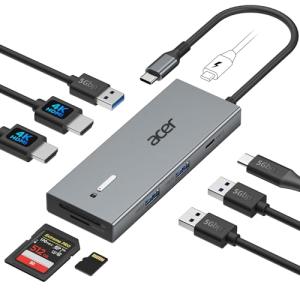
USB-C Hubs: A simpler, more portable version of the docking station. A USB-C Hub is essential for hybrid workers or those using compact laptops that lack standard ports. They provide immediate access to necessary connections like USB-A and HDMI. These low-profile Power & Storage components maintain crucial connectivity on the go, ensuring that you can always plug in essential devices.
Data Security and Access: The Vault for Your Digital Life
Data integrity is just as vital as power integrity. This component provides centralized, protected storage.
-
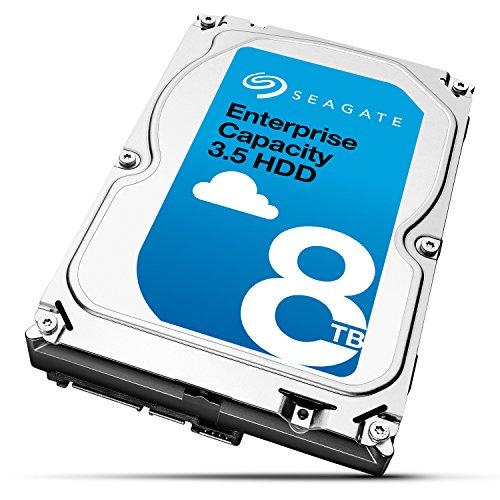
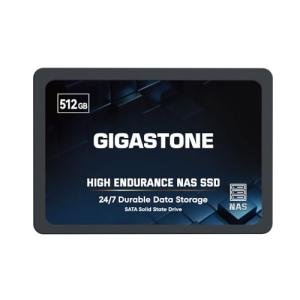
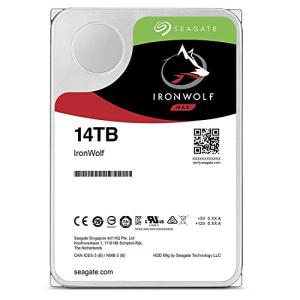
High-Capacity NAS Drives: A Network Attached Storage (NAS) drive is a dedicated file server that connects directly to your network. It allows multiple devices in your home to securely store, back up, and share files centrally. Modern NAS drives support RAID configurations, meaning your data is mirrored across multiple drives, providing the highest level of Secure Monitoring for your valuable data. Investing in this type of Power & Storage is critical for media libraries, large photo collections, and professional backups.
You should layer your Power & Storage system as follows: Protect your most sensitive devices (computer, NAS, network gear) with an Uninterruptible Power Supply (UPS) . For extended blackouts or mobility, utilize a Portable Power Station . For your desk setup, consolidate your connections and power through a Smart Docking Station (or USB-C Hub for basic needs). Finally, anchor all your digital assets on a High-Capacity NAS Drive connected to your protected network. This layered system provides end-to-end security and Enhanced Comfort .
3. 🧪 Key Technical Standards and Advanced Use Cases
The functionality of Power & Storage relies on high-speed data protocols and robust power specifications. Key technical standards include: USB Power Delivery (PD) 3.1 , which dictates the high wattage necessary to fast-charge modern laptops through a single cable connected to your docking station or hub; and Thunderbolt 4/USB4 , which ensures the massive bandwidth required for simultaneous 4K video output and fast data transfer to your storage devices.
For storage, the standard is often RAID (Redundant Array of Independent Disks) . RAID configurations on a High-Capacity NAS Drive are what enable data redundancy. For example, RAID 1 mirrors data across two disks, ensuring that if one disk fails, your data remains secure on the second—a crucial part of Secure Monitoring your digital assets.
Consider an advanced use case: Optimizing the Home Office Environment for Automatic System Protection.
You can leverage the communication protocols built into a high-end Uninterruptible Power Supply (UPS) . When the power goes out, the UPS doesn't just provide battery backup; it sends a signal via USB or Ethernet to your computer and your High-Capacity NAS Drive . This signal automatically triggers a graceful shutdown sequence. This ensures that even if you are away from your desk during a power outage, your valuable work and data are automatically saved and powered off safely, demonstrating true Seamless Control over your critical equipment and providing unparalleled Enhanced Comfort .
Another scenario involves Monitoring a Vacation Home using a Portable Power Station . Instead of relying on a generator, you can dedicate the portable station to run only the core Secure Monitoring system—the internet router and the central security hub—during a power failure. This guarantees that your video doorbells and security cameras remain functional and connected for remote access, even when the rest of the house is dark.
4. Lifestyle Guide
Your approach to Power & Storage should be tailored to your risk tolerance, data volume, and mobility needs. Here are three distinct archetypes and the perfect system tailored for each.
🧘 The Simplicity-Seeking User (The "Digital Minimalist")
You primarily use a laptop for work, rely on cloud services for most storage, but need reliable desktop connectivity and basic protection against common power issues. You seek Enhanced Comfort through streamlined integration and low-maintenance protection.
-
The Fit: You need to maximize the utility of your laptop’s single port and protect your primary workstation. You prioritize compact, multi-functional Power & Storage devices.
-
Recommendation: A USB-C Hub combined with a modest Uninterruptible Power Supply (UPS) . The hub expands your laptop's connectivity for use at your home desk. The UPS protects the laptop (which is likely charging via the hub) and the essential networking gear from sudden power loss, achieving Seamless Control over your immediate work environment.
🚀 The Performance-Focused User (The "Data Architect")
Your home is a true smart hub, running a media server, multiple gaming systems, a demanding home office, and dozens of connected devices. You generate massive amounts of data and require absolute redundancy, high-speed access, and extended emergency power. You demand total Secure Monitoring of both power and data.
-
The Fit: You need commercial-grade protection and centralized, redundant storage. Your Power & Storage solution must handle continuous loads and provide professional-level data protection.
-
Recommendation: A large Uninterruptible Power Supply (UPS) paired with a High-Capacity NAS Drive and a Smart Docking Station . The UPS protects the entire workstation and NAS, while the NAS handles all the critical backup with RAID redundancy. The docking station manages all high-speed connections for maximum desktop performance, creating the ultimate Power & Storage ecosystem for Seamless Control .
💼 The Budget-Expansion User (The "Emergency Preparedness Planner")
You are focused on household stability and preparedness, ensuring essential home systems remain functional during longer, regional power outages. Your budget priority is versatile, long-duration backup power for critical utilities and basic connectivity. You want Enhanced Comfort through emergency preparedness.
-
The Fit: You need robust battery capacity that can be moved and used to power essential AC appliances when the power is out, focusing on resilience rather than connectivity.
-
Recommendation: A Portable Power Station combined with a small USB-C Hub . The power station provides the long-duration backup for essential lighting, communication devices, and core networking gear. The simple hub ensures your family's various devices (laptops, phones) can connect and charge safely during the emergency, maximizing the utility of your specialized Power & Storage investment.
5. COMPLEMENTARY CATEGORY RECOMMENDATIONS
| Recommended Categories |
Why This Category Is Useful Specifically for This Product |
Short Usage Scenario |
| Networking Gear |
Power & Storage ensures network gear (routers, modems) stay powered via a UPS, maintaining internet access for Secure Monitoring systems during outages. |
Connecting your Wi-Fi 7 Mesh System to a UPS so your smart home maintains a functional network during a power flicker. |
| Home Security |
A UPS guarantees that critical security cameras, hubs, and alarm systems remain powered and connected, ensuring continuous Secure Monitoring during grid failures. |
Ensuring your security system's central hub stays running on UPS battery power, allowing you to view camera feeds remotely during a blackout. |
| Monitors Displays |
Smart docking stations and USB-C hubs enable high-resolution video output to your Monitors/Displays , simplifying the connection between a laptop and external screens. |
Connecting an Ultrawide Monitor, keyboard, and mouse to a Smart Docking Station via a single cable to your laptop for Seamless Control over your desk setup. |
| Peripherals |
Peripherals like 4K Webcams and Studio Microphones often connect through Smart Docking Stations and rely on stable power for optimal performance and Enhanced Comfort . |
Running your entire high-fidelity video conferencing setup—including webcam and mic—through the high-power-delivery ports of your Smart Docking Station. |
| Smart Power |
Smart plugs and power strips can be managed alongside the UPS to control which non-critical devices are shut down during a low-battery event, maximizing the Enhanced Comfort of essential power access. |
Using a smart plug (connected to the UPS) to turn off a non-essential desk fan when the UPS battery level drops below 30%, conserving power for the router. |
| Smart Home Control |
Central hubs and dedicated controllers must be kept online by Power & Storage solutions to maintain Seamless Control and automation schedules throughout a power disruption. |
Ensuring your Matter-compatible central hub stays active on UPS power so your motion-triggered lighting and alarms continue to function. |
| Lighting Climate |
A Portable Power Station can provide essential backup power to lighting, thermostats, or air purifiers during long outages, supporting basic Enhanced Comfort and home functionality. |
Using the Portable Power Station to run a smart lamp and a fan in the living area during an all-day power outage. |
| Automation Tools |
Automated shutdown sequences rely on the communication between a UPS and your computer systems, making the protection aspect of Power & Storage central to automated data preservation. |
Programming the UPS to send a signal to your NAS drive to automatically begin a safe shutdown after five minutes of power loss, providing Secure Monitoring of data integrity. |
Committing to a layered Power & Storage strategy is the most fundamental step you can take to protect your smart home investment. By selecting high-quality Uninterruptible Power Supplies and a High-Capacity NAS Drive , you ensure that your data is always safe, your critical systems maintain Secure Monitoring , and your workflow proceeds with stable, Enhanced Comfort . This technical foresight grants you the Seamless Control required to manage life's unexpected power disruptions with confidence.