Smart power strips have evolved from simple extension cords into sophisticated command centers for the modern home. These devices offer the ability to schedule lights, monitor energy consumption, and protect valuable electronics from electrical spikes without requiring complex wiring. Whether the goal is to automate a coffee maker or manage a full entertainment center, selecting the right unit ensures both convenience and safety for connected hardware.
Smart Power
Discover innovative ways to control your energy use and keep your devices charged and ready

Product List
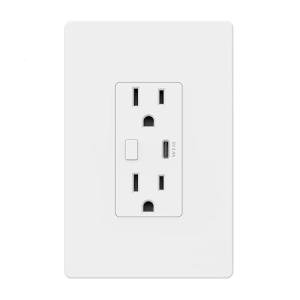
Voice-Controlled Wi-Fi Outlet
Bn-Link
Product Review Score
4.2 out of 5 stars
32 reviews$18.05 $16.99
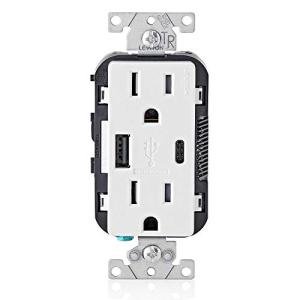
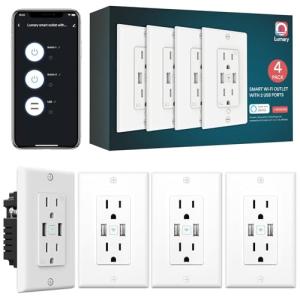
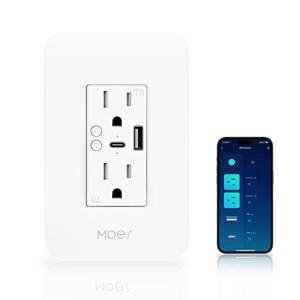
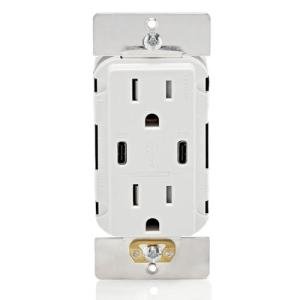
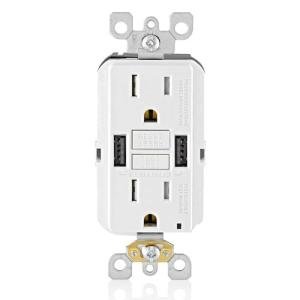
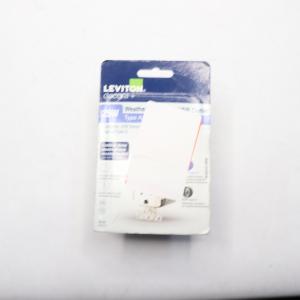
Leviton SmartlockPro USB Outlet
Leviton
Product Review Score
4.29 out of 5 stars
99 reviews$32.75 $20.99
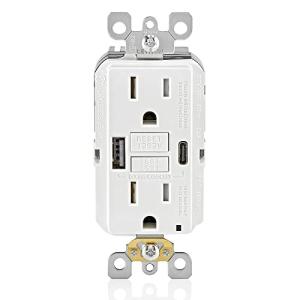
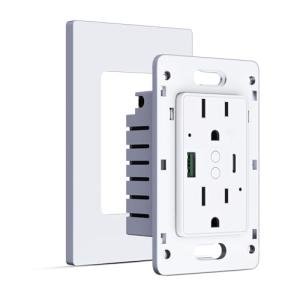
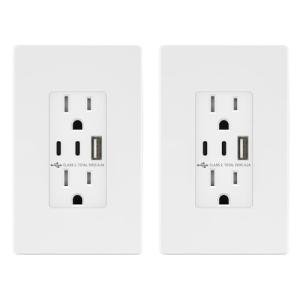
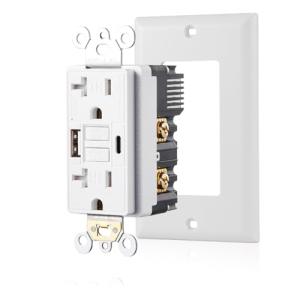
TOPGREENER USB Wall Outlet 2-Pack
Topgreener
Product Review Score
4.41 out of 5 stars
111 reviews$26.99 $22.94
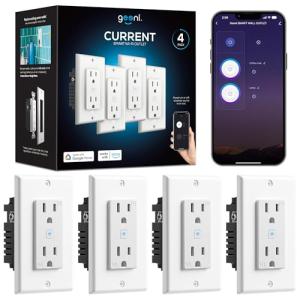
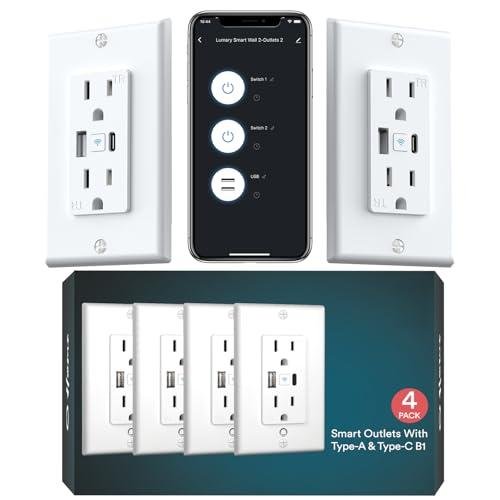
Geeni WiFi In-Wall Outlets 4-Pack
Geeni
Product Review Score
4.57 out of 5 stars
115 reviews$59.99 $47.99
💡 Practical Usage Tips
- Assigning a static IP address to the power strip via the router settings can significantly reduce connection errors and "zombie states" in high-density IoT environments.
- Users should verify that their mesh network has "Fast Roaming" disabled for the specific MAC address of the strip, as this feature often causes older 2.4GHz Wi-Fi chips to disconnect repeatedly.
- It is advisable to reserve high-wattage appliances, such as space heaters or laser printers, for wall outlets rather than smart strips to prevent thermal fatigue on internal bus bars.
- For automation routines involving USB devices, users must remember that most smart strips control the USB bank as a single group rather than individual ports.
✅ What to Look For & ⚠️ What to Avoid
- A high Joule rating, ideally above 1500, ensures that the device provides meaningful protection against electrical surges rather than just acting as a switch.
- Per-outlet energy monitoring is a critical feature for users wanting to track the power consumption of specific devices like gaming PCs or servers.
- Support for local control protocols allows the device to function even when the internet is down, a feature prominent in the Kasa Smart Plug Power Strip with USB and Surge Protection.
- High-quality internal relays, such as those made by Songle, offer better longevity and resistance to welding during high-inrush current events.
- Thin internal wiring or weak trace paths can lead to dangerous heat buildup if the strip is loaded near its maximum capacity.
- Devices relying solely on cloud-based execution often experience significant command latency, sometimes taking over a second to respond to a simple toggle request.
- Shared USB outputs with low total amperage will result in extremely slow charging speeds when multiple mobile devices are plugged in simultaneously.
- Hardware lacking Metal Oxide Varistors (MOVs) or having a very low surge rating offers virtually no protection against lightning strikes or grid fluctuations.
🛡️ Build Quality & Performance
The physical construction of a smart power strip dictates its safety profile and longevity. Premium units often utilize V0-grade flame-retardant polycarbonate or even anodized aluminum to ensure the chassis can withstand thermal stress. Internal components are equally important; robust PCB layouts with physical isolation between high-voltage AC lines and low-voltage logic chips prevent electrical crosstalk and enhance safety.
Conversely, budget-oriented models often compromise on these internal structures, using thinner copper traces that may degrade over time. For users prioritizing absolute structural integrity and local processing, the Eve Energy Strip - Smart Triple Outlet with Metering stands out with its heavy-duty aluminum frame and high-inrush relays. This level of engineering ensures that the device remains reliable even when switching power-hungry equipment, avoiding the "sticky relay" issues common in cheaper plastic alternatives.
🏆 Top Recommendations
| Best For | Model Name | Key Feature | Why It Wins |
|---|---|---|---|
| Professional Monitoring | Kasa Smart Plug Power Strip (HS300) | Individual Energy Metering | Offers granular data per outlet and high surge protection. |
| Apple HomeKit | Eve Energy Strip | Local-First Architecture | Premium aluminum build with zero cloud dependency. |
| Reliable Analog | Anker Surge Protector 332 | Pure Mechanical Switch | Eliminates firmware bugs and offers stable USB-C charging. |
| Everyday Automation | Tapo Smart Wi-Fi Power Strip | Songle Relays | Balances cost with high-quality internal switching components. |
❓ Frequently Asked Questions
Do smart power strips work with 5GHz Wi-Fi?
Most smart power strips utilize older, cost-effective ESP8266 or similar chipsets that only communicate on the 2.4GHz spectrum. Users with dual-band routers must ensure their phone is connected to the 2.4GHz network during the initial setup to successfully pass the Wi-Fi credentials to the device.
Can I control the USB ports individually?
In the vast majority of consumer models, the USB ports are controlled as a single logical group. This means that toggling the USB switch in the app will turn all USB ports on or off simultaneously, making it impossible to cycle power to just one specific USB-powered device while leaving others active.
Is it safe to plug a heater into a smart strip?
While many strips are rated for 15A or 1875W, technical analysis often reveals thin internal bus bars that can heat up significantly under sustained high loads. To avoid the risk of thermal fatigue or melting plastic, high-draw appliances like space heaters and window air conditioners should be plugged directly into wall receptacles.