Building a home media library requires more than just raw storage space; it demands a reliable system that can handle high-definition streaming and secure data management. Whether setting up a first movie server or upgrading a professional studio array, choosing the right hardware ensures that videos play smoothly without buffering or data loss. This guide explores the best options for reliable, high-performance media storage.
NAS Drives for Media
The perfect solution for storing and accessing all your favorite movies, music, and photos in one place
Product List
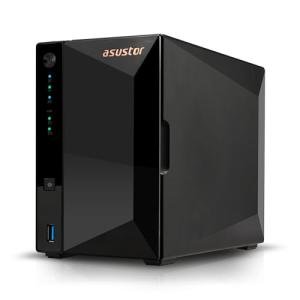
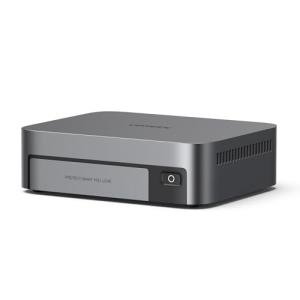
Asustor Drivestor 2 Pro NAS
Asustor
Product Review Score
4.4 out of 5 stars
69 reviews$269.99 $240.99
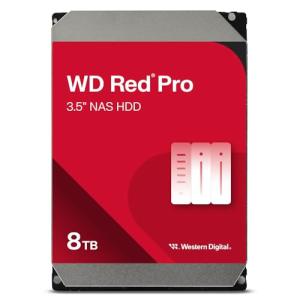
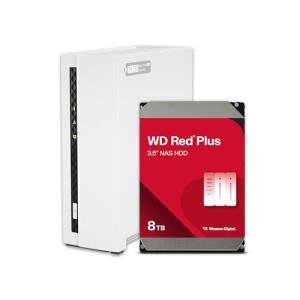
8TB WD Red Pro Drive
Western Digital
Product Review Score
4.11 out of 5 stars
47 reviews$362.29 $299.99
💡 Practical Usage Tips
- Setting up an external Uninterruptible Power Supply (UPS) is highly recommended to protect data during sudden power outages.
- Users should prioritize a RAID 1 configuration if data safety is more important than having the maximum amount of storage space.
- Keeping the NAS in a well-ventilated area prevents the internal fans from needing to run at high speeds, which keeps the unit quieter.
- For the fastest transfer speeds, ensure that both the network router and the connecting computer support 2.5GbE or higher networking standards.
✅ What to Look For & ⚠️ What to Avoid
Must-Haves:
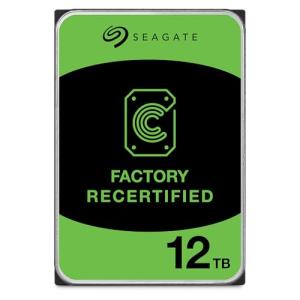
- Look for drives using CMR (Conventional Magnetic Recording) technology, such as the Seagate 12TB IronWolf, to ensure consistent write performance.
- A processor with Hardware Transcoding capabilities is essential for streaming 4K video to different types of screens smoothly.
- The inclusion of an NPU (Neural Processing Unit) helps the system organize large photo libraries much faster using AI-powered recognition.
Red Flags:
- Avoid single-bay units if there is no secondary backup plan, as a drive failure in these systems results in total data loss.
- Be cautious of units with soldered, non-expandable RAM if the intention is to run multiple background applications or virtual machines.
- Plastic drive trays can sometimes cause more noise from vibration than metal-reinforced versions, which might be distracting in a quiet living room.
🛡️ Build Quality & Performance
Modern media storage units range from sleek, compact plastic towers to heavy-duty, high-density metal enclosures. Devices like the UGREEN DXP480T Plus utilize all-flash architectures to eliminate the hum and vibration of mechanical disks entirely. This makes them ideal for professional environments where silence is a priority during video editing or music production.
Performance is often tied to the internal cooling design. Efficient systems use PWM-controlled fans that adjust their speed based on the temperature, ensuring the hardware stays within safe limits during long RAID Rebuild cycles. High-quality mechanical drives also feature Rotational Vibration (RV) sensors, which help the drive heads stay on track even when multiple disks are spinning in the same chassis, extending the overall lifespan of the storage hardware.
🏆 Top Recommendations
| Best For | Model Name | Key Feature | Why It Wins |
|---|---|---|---|
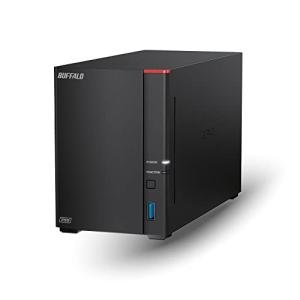
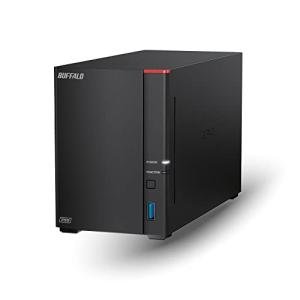
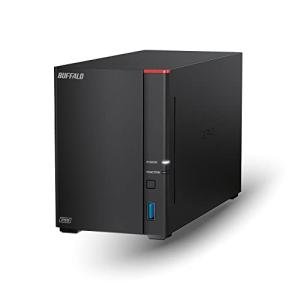
| High Speed | Buffalo LS720 16TB | 2.5GbE Port | Blazing fast indexing and data throughput. |
| Silent Studio | UGREEN DXP480T Plus | All-NVMe Flash | Total lack of mechanical noise and high 10GbE speed. |
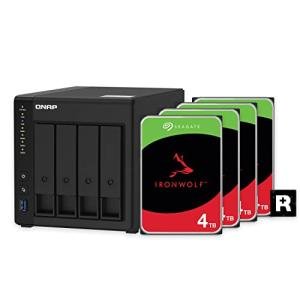
| Direct Playback | QNAP 4-Bay 12TB | HDMI 2.0 Output | Connects directly to a TV for 4K media playback. |
| Pure Efficiency | Beelink ME N150 | AV1 Decoding | Ultra-low power draw for 24/7 media nodes. |
❓ Frequently Asked Questions
What is the difference between RAID 0 and RAID 1?
RAID 0 combines two drives to make one very fast, large volume, but if one drive fails, all data is lost. RAID 1 mirrors the data on both drives, providing a safety net where the system stays online even if one disk breaks.
Why do I need a 2.5GbE port instead of a standard 1GbE port?
A 2.5GbE port allows for much faster file transfers, which is particularly useful when moving large 4K video files or performing full system backups. However, the router and computer must also support these higher speeds to see the benefit.
Can I use a regular desktop hard drive in a NAS?
While physically possible, it is not recommended. NAS-specific drives, like the Western Digital Red Pro, are designed to handle the heat and vibrations of 24/7 operation, whereas standard desktop drives may fail much sooner in these conditions.
Would you like me to compare the specific software features of the QNAP and Buffalo systems mentioned in this guide?