🗺️ The Component Breakdown: Analyzing Product Types for Monitors/Displays
Building a truly efficient workspace requires more than simply buying the biggest screen you can find. A strategic, layered approach to Monitors/Displays involves selecting the right panel technology, the correct aspect ratio, and the necessary accessories for optimal positioning and privacy.
Primary Panel Selection: Resolution and Scope
Your choice of display panel determines the quality and quantity of information you can view simultaneously.
-
4K/5K Business Monitors: These are the benchmark for professional visual clarity. Offering incredibly high pixel density, 4K and 5K resolutions allow you to view complex spreadsheets, detailed architectural drawings, or multiple documents side-by-side without sacrificing sharpness. For any task requiring absolute precision and maximum visual information density, these Monitors/Displays provide the essential Enhanced Comfort of razor-sharp text and imagery.
-
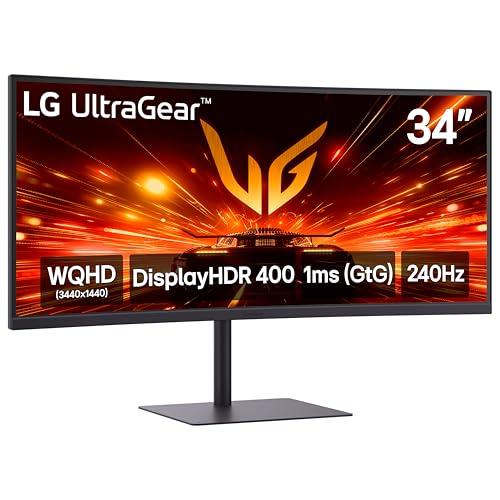
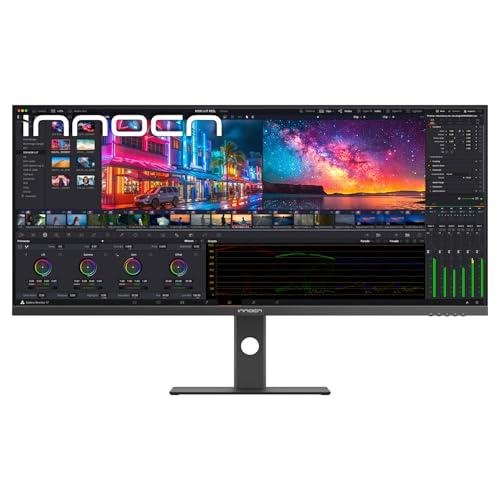
Ultrawide Monitors: These displays offer expansive horizontal screen real estate, often equivalent to two or more traditional monitors merged into one seamless panel. They are perfect for users who frequently multitask, such as video editors, programmers, or finance professionals who need dozens of windows open concurrently. An Ultrawide Monitor delivers Seamless Control by eliminating the dead space and alignment issues inherent in multi-monitor setups.
Mobility and Confidentiality: Protection and Flexibility
Not every task happens at the main desk, and not every visual is meant for public viewing. These components address flexibility and privacy.
-
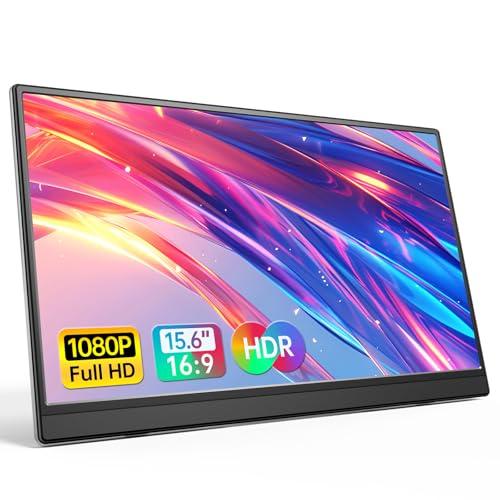
Portable Monitors: These compact, lightweight displays connect via a single USB-C cable and dramatically boost productivity when traveling or working away from your main desk. They are an essential tool for the hybrid worker who needs dual-screen productivity in coffee shops, hotel rooms, or even just another room in the house. A Portable Monitor ensures your focus and Seamless Control are maintained wherever you go.
-
Privacy Screens: Essential for individuals handling sensitive data or working in open-plan home environments (such as a desk in the living room). A Privacy Screen is a physical filter placed over the display that limits the viewing angle, making the screen appear black to anyone viewing it from the side. This simple accessory is critical for Secure Monitoring of confidential information, maintaining professional standards within your home setting.
Ergonomic Integration: Positioning is Power
The world’s best monitor is useless if it causes neck strain. Proper positioning is the final, critical layer of your display system.
-
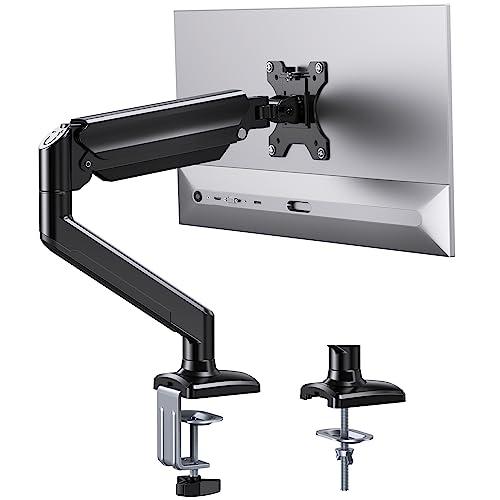
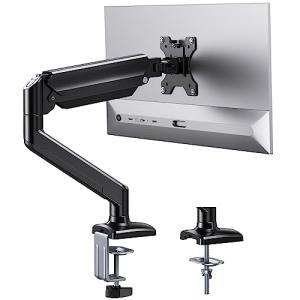
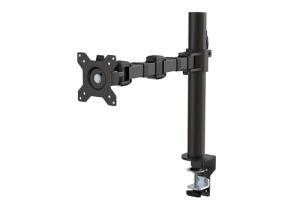
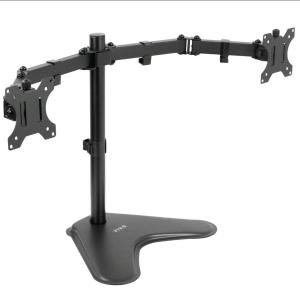
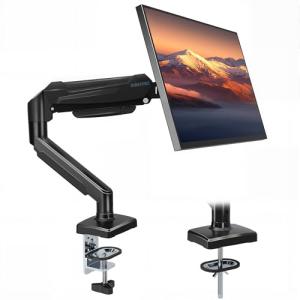
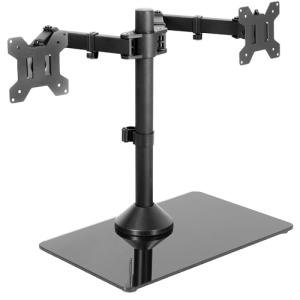
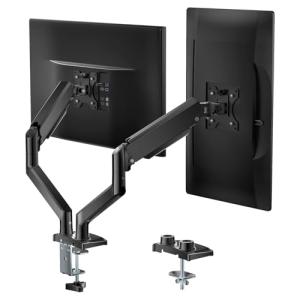
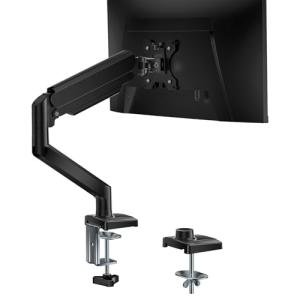
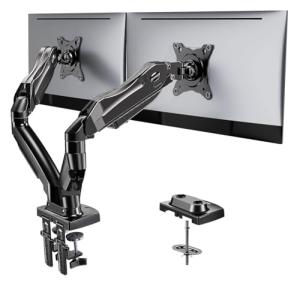
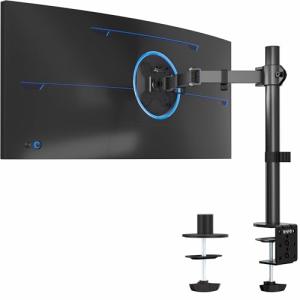
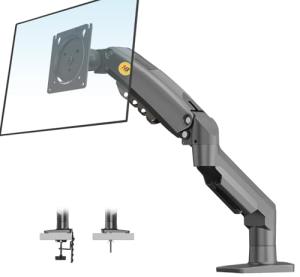
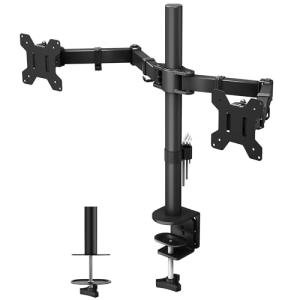
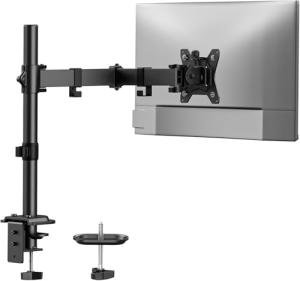
Monitor Arms/Stands: These accessories replace the factory stand, allowing you unparalleled flexibility in positioning, tilting, rotating, and extending your Monitors/Displays . They are non-negotiable for achieving proper ergonomic alignment and maximizing desk space. Whether you need to switch between portrait and landscape for coding or simply raise the screen for a perfect eye-level view, a quality Monitor Arm ensures maximum Enhanced Comfort and adaptability.
Your ideal display system should layer components for maximum synergy: Start with your primary screen, choosing between a high-density 4K/5K Business Monitor or an Ultrawide Monitor based on your workflow. Mount it using a robust Monitor Arm/Stand to achieve perfect, ergonomic alignment. If you frequently work with sensitive data or in a visible location, add a Privacy Screen . Finally, for mobility, integrate a Portable Monitor into your travel kit. This structured approach ensures a high-performance visual system.
3. 🧪 Key Technical Standards and Advanced Use Cases
For Monitors/Displays , the critical technical standards revolve around color space, refresh rate, and connection protocol. While the displays themselves do not use Wi-Fi or Zigbee, they rely on cutting-edge video standards like DisplayPort 1.4/2.0 or Thunderbolt 4 to carry the massive bandwidth required for high-resolution, multi-screen setups. Understanding these inputs ensures your PC can actually drive the full capability of your 4K/5K monitor.
Another essential standard is HDR (High Dynamic Range) . HDR capabilities ensure that the display can reproduce a wider range of brightness and contrast, leading to images that are closer to what the human eye naturally perceives. This is vital not just for entertainment, but for detailed professional work in video editing, photography, and reviewing high-contrast Secure Monitoring footage.
Consider an advanced use case: Optimizing the Home Office Environment for Creative Professionals.
A video editor requires a high-resolution display for viewing the timeline (e.g., an Ultrawide Monitor for its horizontal space) and a secondary, high-fidelity screen (like a color-calibrated 4K/5K Business Monitor ) placed vertically via a Monitor Arm/Stand for proofing color-critical footage. This system allows for Seamless Control over both the organizational and technical aspects of the job. Furthermore, you can use the monitor’s built-in USB hub capabilities to connect peripherals directly, reducing cable clutter and integrating the display as a true central workstation component, which enhances your overall Enhanced Comfort .
For the micro-scenario of Secure Monitoring a large number of cameras, an Ultrawide Monitor is invaluable. Its vast horizontal canvas allows you to display 10 to 12 different camera feeds simultaneously without overlapping windows, giving you a comprehensive, at-a-glance view of your perimeter and interior spaces. This specialized use of Monitors/Displays goes beyond productivity and turns your desk into a dedicated security command center.
4. Lifestyle Guide
Your personal or professional demands should determine your display configuration. Here are three distinct archetypes and the perfect Monitors/Displays system tailored for each.
🧘 The Simplicity-Seeking User (The "Work-Life Blend")
You primarily use a laptop but want a dedicated, superior display for your daily home-office tasks and occasional streaming. You value a clean setup, minimal visual clutter, and ergonomic alignment for genuine Enhanced Comfort .
-
The Fit: You need a single, high-quality, high-resolution monitor that can also serve as a docking station via USB-C. You prioritize a clean look and simple physical adjustment.
-
Recommendation: A single 4K/5K Business Monitor paired with a robust Monitor Arm/Stand . The monitor provides excellent visual clarity and often offers a single-cable connection (power, video, data), achieving a sleek look. The arm ensures the screen is positioned perfectly at eye level, optimizing your posture and delivering superior Enhanced Comfort during long meetings.
🚀 The Performance-Focused User (The "Data Commander")
Your work demands constant visual access to multiple, complex data streams: code, charts, media timelines, or multiple virtual machines. You must maintain Seamless Control and high efficiency, requiring massive screen real estate and uncompromising privacy.
-
The Fit: You require the widest possible field of view and the ability to instantly switch between sensitive, private projects and public-facing video calls.
-
Recommendation: An Ultrawide Monitor for the primary workflow canvas, combined with a Privacy Screen . The Ultrawide grants the necessary space to keep dozens of critical data points visible. The privacy screen ensures that proprietary information is shielded from view if your home office is in a common area, completing a system focused on Secure Monitoring and maximum output.
💼 The Budget-Expansion User (The "Mobile Professional")
You are a consultant or hybrid worker who needs a dual-screen setup regardless of location but must adhere to a budget, using your primary laptop screen as one display. You need reliable performance and flexibility without the cost of a fixed, multi-monitor array.
-
The Fit: You need a display solution that is highly portable, cost-effective, and integrates with the power and video capabilities of a single laptop connection.
-
Recommendation: A Portable Monitor paired with a simple Monitor Arm/Stand (or a quality display mount accessory). The portable monitor provides the necessary second screen for productivity at any location. When at the home desk, mounting it with a small arm keeps it ergonomically aligned with the laptop screen, providing an affordable way to achieve dual-screen Enhanced Comfort and efficiency.
5. COMPLEMENTARY CATEGORY RECOMMENDATIONS
| Recommended Categories |
Why This Category Is Useful Specifically for This Product |
Short Usage Scenario |
| Connectivity Office |
Electric standing desks are crucial, as monitor arms must be adjusted to maintain ergonomic height (eye level) when you transition between sitting and standing, delivering Seamless Control . |
Programming your electric standing desk to your preferred height, then adjusting your Monitor Arm/Stand so the screen is always at the perfect ergonomic eye level in both positions. |
| Office Lighting |
Smart desk lamps and monitor light bars reduce eye strain and glare, ensuring consistent brightness across your desk to maximize the visual quality and Enhanced Comfort of your display. |
Using a smart monitor light bar that automatically adjusts its intensity based on the ambient light in the room, reducing glare on your Ultrawide Monitor . |
| Peripherals |
High-quality webcams and microphones often mount directly onto your Monitors/Displays or require power from the monitor's built-in USB hub, streamlining your setup. |
Connecting your 4K webcam and studio microphone directly into the USB hub of your 4K/5K Business Monitor for simplified cable management and connectivity. |
| Networking Gear |
For advanced use cases like Secure Monitoring camera feeds, a reliable, low-latency network is essential to ensure video streams on your Monitors/Displays load instantly and maintain smooth quality. |
Displaying four live, high-resolution security camera feeds on your screen without buffering or delay, supported by a dedicated high-end router. |
| Power Storage |
Uninterruptible Power Supplies (UPS) are necessary to protect expensive Monitors/Displays from power surges and prevent data loss during critical work sessions. |
Plugging your main monitor and computer into a UPS to prevent screen damage and data loss during a momentary power flicker. |
| Ergonomic Tools |
Tools like anti-fatigue mats (for standing) and laptop stands work in conjunction with your display height to ensure your entire body remains in an optimal position for Enhanced Comfort . |
Using a laptop stand to elevate your primary portable monitor to the same height as your Ultrawide Monitor for a perfectly aligned dual-screen setup. |
| Smart Home Control |
Dedicated control panels or smart displays can be positioned nearby to show status or control home functions without interrupting the focused work displayed on your main Monitors/Displays . |
Keeping your home control panel displaying the front door status (for Secure Monitoring ) discreetly beside your main business monitor. |
Committing to premium Monitors/Displays is the key to unlocking your true digital potential. By selecting the right combination of high-resolution panels, dynamic mounts, and privacy solutions, you are not just upgrading your view; you are actively investing in a workspace that delivers supreme Enhanced Comfort , Seamless Control , and the professional clarity required for Secure Monitoring and high-level productivity every day.