🗺️ The Component Breakdown: Analyzing Product Types for Peripherals
A truly optimized home office requires a thoughtful selection of input and utility devices. Within the Peripherals segment, we analyze five specialized product types to show you exactly how to construct an efficient and ergonomic workspace.
Communication Quality: Seeing and Hearing is Believing
In the modern remote work environment, your video and audio quality reflect directly on your professionalism. Standard laptop components are rarely sufficient.
-
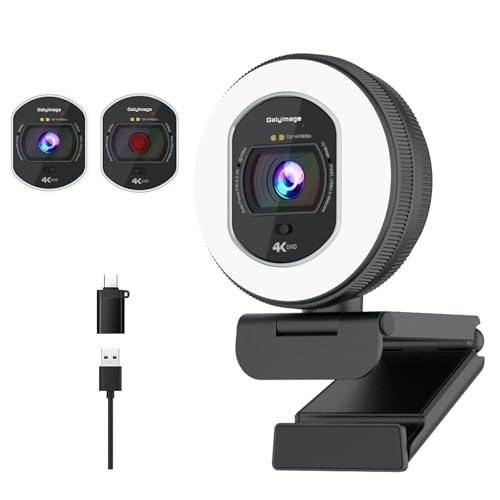
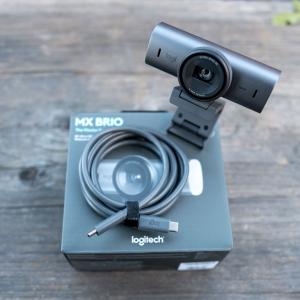
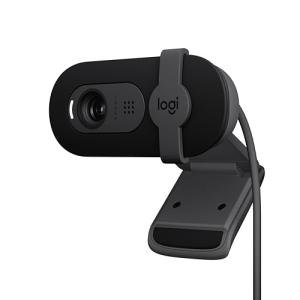
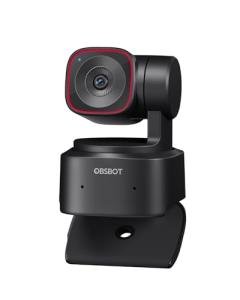
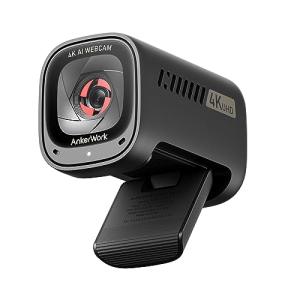
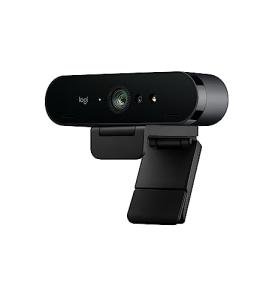
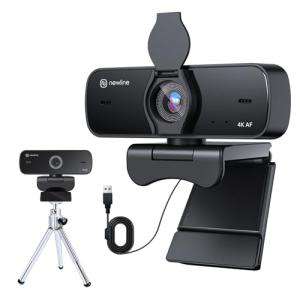
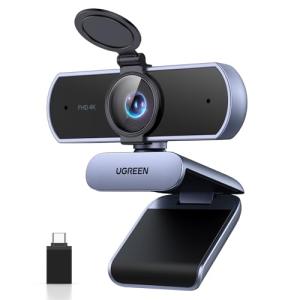
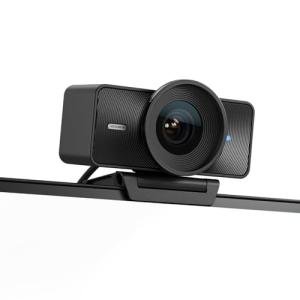
4K Webcams: Moving beyond grainy 1080p, a 4K Webcam provides exceptional image clarity, detailed color reproduction, and often includes features like auto-framing and enhanced low-light correction. This level of video quality is non-negotiable for professional video calls, client presentations, or content creation, ensuring you present yourself with the utmost polish. This is a foundational step for Seamless Control over your virtual presence.
-
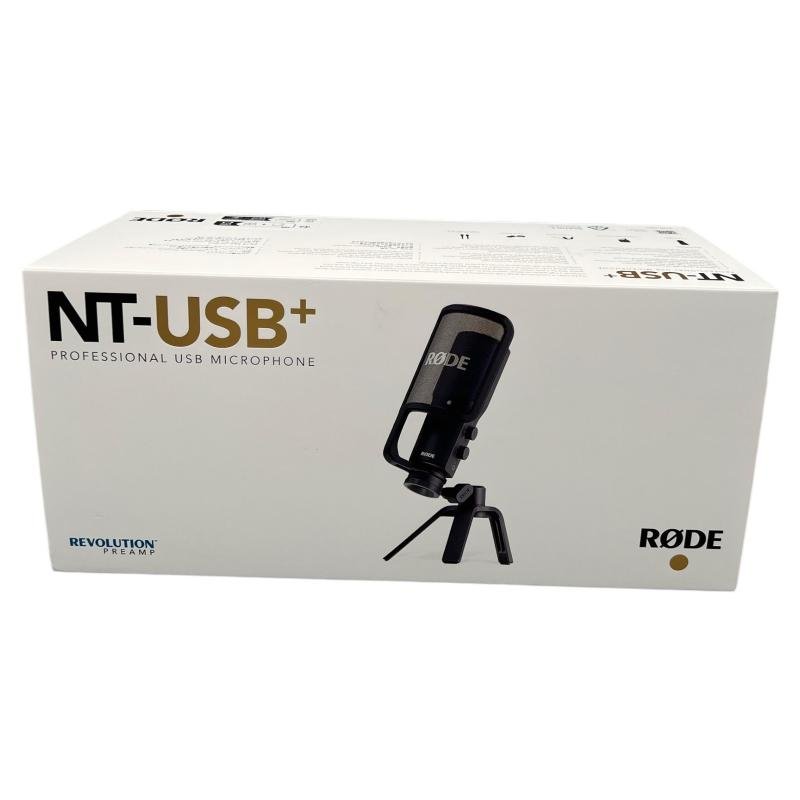
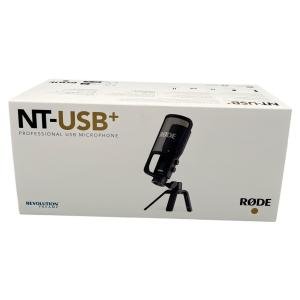
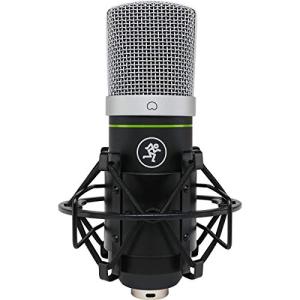
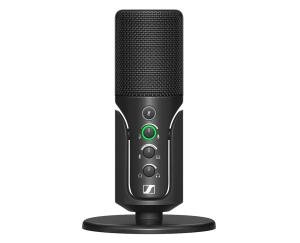
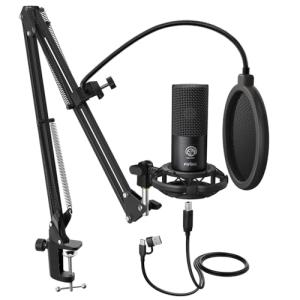
Studio USB Microphones: Your voice must be clear, rich, and free of background noise. A dedicated Studio USB Microphone offers superior clarity, directional pickup patterns, and noise cancellation far beyond any built-in mic. This ensures that whether you are hosting a webinar or simply participating in a meeting, your audio input is professional, crisp, and provides true Enhanced Comfort for your listeners.
Ergonomics and Input: Minimizing Strain
The health of your hands, wrists, and arms depends on the quality of your most-used input devices. This is where dedicated Peripherals truly shine.
-
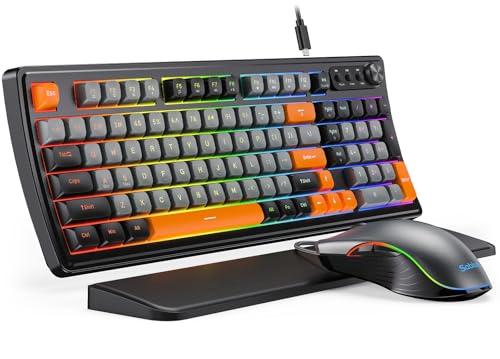
Ergonomic Mice/Keyboards: These devices are engineered to minimize repetitive strain injury (RSI) by promoting a more natural hand, wrist, and forearm posture. Whether through vertical mouse designs, split keyboards, or specialized wrist rests, choosing ergonomic Peripherals is a long-term investment in your physical well-being, translating directly to continuous, hours-long Enhanced Comfort while working. This choice drastically improves sustained productivity.
Utility and Organization: Streamlining the Desk
The final layer involves clearing clutter and simplifying essential desk-bound tasks for maximum efficiency.
-
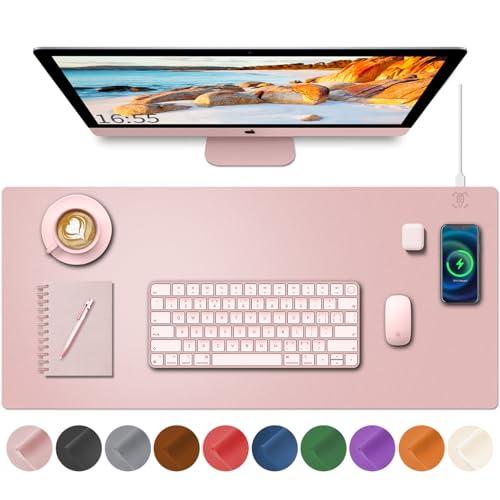
Wireless Charging Deskmats: These accessories replace the traditional mousepad and integrate a dedicated Qi wireless charging zone. They declutter your workspace by combining multiple functions (surface, protection, charging) into one sleek, large component. This small upgrade delivers considerable Seamless Control over cable management and ensures your phone or wireless earbuds are always charged and within easy reach.
-
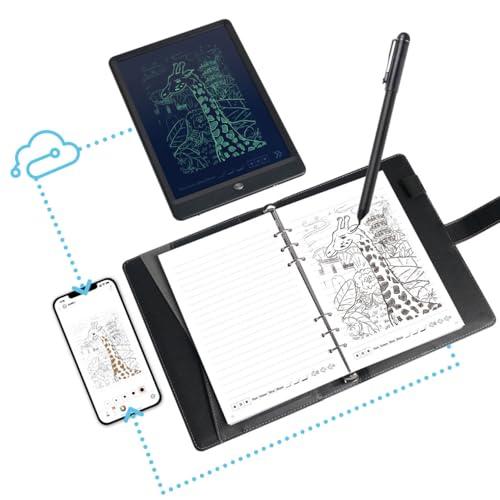
Smart Notepads: Bridging the gap between analog and digital, Smart Notepads allow you to take handwritten notes or sketch diagrams and instantly digitize them, transferring the content to your cloud service or computer screen. This is a perfect example of how specialized Peripherals maintain the tactile benefits of pen-on-paper while providing the organizational power of a digital system. This supports fluid workflow and ensures important notes are part of your digital Secure Monitoring records.
You should layer your Peripherals system strategically: Begin with the input tools— Ergonomic Mice/Keyboards for comfort and safety. Next, focus on communication quality with a 4K Webcam and Studio USB Microphone . Finally, integrate a Wireless Charging Deskmat and a Smart Notepad to streamline the physical desk space and digital capture process. This cohesive approach ensures all your Peripherals work together for a professional, comfortable, and highly efficient workflow.
3. 🧪 Key Technical Standards and Advanced Use Cases
While most Peripherals use standard USB or Bluetooth connectivity, the essential technical standard for high-performance audio and video is USB-C with Power Delivery (PD) and Uncompressed Signal Transfer . High-end 4K Webcams and Studio Microphones need stable, high-speed data transfer that can often be routed through a single USB-C port or a docking station without compression artifacts or latency, ensuring true Seamless Control over data flow.
Another crucial standard is multi-device pairing (or flow) , particularly for Ergonomic Mice/Keyboards . Many premium peripherals allow you to connect the mouse and keyboard to multiple devices (e.g., a desktop and a laptop) simultaneously and switch between them instantly. This enables fluid transitions, which is a key component of Enhanced Comfort in a multi-device setup.
Consider an advanced use case: Optimizing the Home Office Environment for a Content Creator/Remote Executive .
This user requires absolute control over their digital presentation and communication quality. They can leverage the features of their 4K Webcam and Studio USB Microphone by creating a custom "Recording Mode." This mode, triggered by a dedicated macro on their Ergonomic Keyboard , can instantly do three things: adjust the webcam's field of view, change the microphone's input gain for voice clarity, and launch the Smart Notepad software to automatically start a session log. This integration transforms simple Peripherals into a powerful, automated system for content capture and Secure Monitoring of every meeting or session.
For security, the 4K Webcam can be integrated with presence detection software. This allows for automated Secure Monitoring functions, such as locking the computer or obscuring the screen when you step away from your desk, ensuring data security without manual intervention.
4. Lifestyle Guide
The right combination of Peripherals should align perfectly with your daily professional routines and ergonomic needs. Here are three distinct archetypes and the perfect system tailored for each.
🧘 The Simplicity-Seeking User (The "Clean Workspace")
You value a clean, minimalist workspace and hate cable clutter. Your focus is on maintaining a comfortable, streamlined environment that supports standard office tasks and occasional video calls. You seek Enhanced Comfort through simplicity.
-
The Fit: You need high-quality wireless devices that consolidate functions and eliminate visible wires. Your Peripherals should blend into the desktop and operate reliably without constant charging hassle.
-
Recommendation: An Ergonomic Mouse/Keyboard combination paired with a Wireless Charging Deskmat . The ergonomic pair ensures long-term hand health, while the deskmat keeps your phone powered and centralizes charging, delivering a clean aesthetic and superior Seamless Control over power delivery and input, all without needing to plug in multiple devices.
🚀 The Performance-Focused User (The "High-Fidelity Communicator")
You are a remote executive, project manager, or media professional whose job demands constant, high-stakes virtual interaction (video calls, podcasts, recorded training). You demand uncompromising audio and video quality, viewing your communication tools as mission-critical. You need Seamless Control and consistent output.
-
The Fit: Your system must prioritize audio and video excellence above all else. Your Peripherals need professional-grade sensors and transducers to guarantee your communication quality.
-
Recommendation: A 4K Webcam combined with a Studio USB Microphone . This pairing ensures that your visual image is crisp and clear, while your voice commands a professional, rich presence. This system supports advanced integration with professional software and delivers the highest-level communication quality available among common Peripherals .
💼 The Budget-Expansion User (The "Data Capture Specialist")
You frequently juggle traditional note-taking and digital research. You need an effective way to quickly capture and organize ideas, sketches, and meeting notes, bridging the analog-to-digital gap without spending on high-end input devices. Your focus is on affordable, efficient organization and note Secure Monitoring .
-
The Fit: You require low-cost Peripherals that facilitate easy data transfer and help digitize paper-based work. Your priority is effortless note storage and retrieval.
-
Recommendation: A Smart Notepad combined with a basic but comfortable Ergonomic Mouse/Keyboard set. The Smart Notepad provides the crucial function of instant digital capture and organization. The ergonomic set offers baseline protection against wrist strain, maximizing the utility of your most affordable Peripherals for comfortable and secure data capture.
5. COMPLEMENTARY CATEGORY RECOMMENDATIONS
| Recommended Categories |
Why This Category Is Useful Specifically for This Product |
Short Usage Scenario |
| Monitors Displays |
Peripherals like webcams mount directly to monitors, and input devices must be positioned relative to the screen height for optimal ergonomic Enhanced Comfort . |
Mounting your 4K webcam perfectly centered on the top edge of your ultrawide monitor for ideal eye contact during video calls. |
| Office Lighting |
Smart lighting, especially monitor light bars, is necessary to provide proper, glare-free illumination for your face, maximizing the image quality of your 4K Webcam . |
Setting a smart desk lamp to automatically provide soft, frontal light whenever your 4K Webcam is activated for a meeting. |
| Connectivity Office |
Electric desks and their accessories work with Ergonomic Mice/Keyboards to ensure your wrist and elbow angles remain correct whether you are sitting or standing, guaranteeing Seamless Control . |
Using your electric desk presets to adjust the height so your wrists rest flat on your Ergonomic Keyboard tray, minimizing strain. |
| Power Storage |
High-capacity hubs and UPS systems ensure that power-hungry Peripherals like charging deskmats and webcams have stable power delivery and are protected from surges. |
Plugging your Wireless Charging Deskmat and 4K Webcam into a smart docking station that is protected by a UPS for continuous, stable power. |
| Privacy Security |
USB fingerprint readers work alongside your Peripherals to provide instant, secure access to your workstation, enhancing the Secure Monitoring of your data and systems. |
Using a USB fingerprint reader to log into your computer in less than a second after a break, minimizing interruption to your workflow. |
| Productivity Tools |
Smart scanners and printers work with your Smart Notepads to provide physical and digital output options for your captured handwritten data, completing the data workflow. |
Scanning a digitized note from your Smart Notepad and printing a physical copy instantly, or vice versa, from your smart printer. |
| Smart Home Control |
Programmable buttons can be linked to macros on your Ergonomic Keyboard to trigger home automation scenes (e.g., "Mute All Notifications") before starting a call recorded by your Studio USB Microphone . |
Hitting a wireless programmable button to instantly mute your smart speakers and activate "Do Not Disturb" before an important presentation. |
By thoughtfully selecting your Peripherals , you are not just gathering tools; you are perfecting the physical interface of your home office. This focused approach provides superior communication with the 4K Webcam and Studio USB Microphone , protects your body with Ergonomic Mice/Keyboards , and delivers superior Enhanced Comfort . By integrating these high-quality components, you achieve true Seamless Control and confidence in the Secure Monitoring of your professional environment.