🗺️ The Component Breakdown: Analyzing Product Types for Productivity Tools
An effective productivity system is layered, ensuring ideas flow smoothly from conception to presentation and permanent documentation. Within the Productivity Tools segment, we analyze four specialized product types to show you exactly how to construct this efficient system.
Core Organization: Time and Data Management
The backbone of any productive system is having a clear plan and the tools to manage information reliably.
-
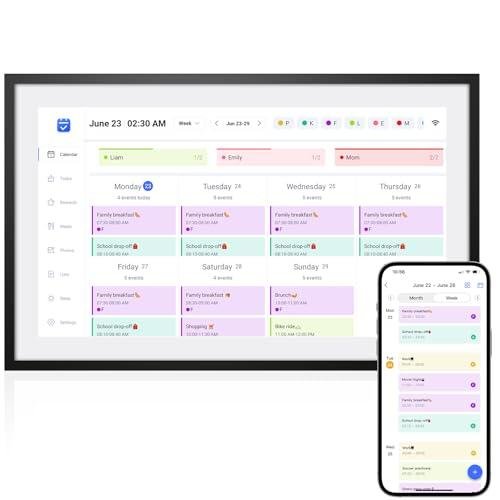
Smart Planners/Calendars: These devices bridge the gap between digital and physical scheduling. They offer high-visibility displays for centralized family or team calendars, sync automatically with digital accounts (Google, Outlook), and often feature customizable layouts. They provide a high degree of Seamless Control over complex schedules, minimizing missed appointments and maximizing efficiency for the entire household.
-
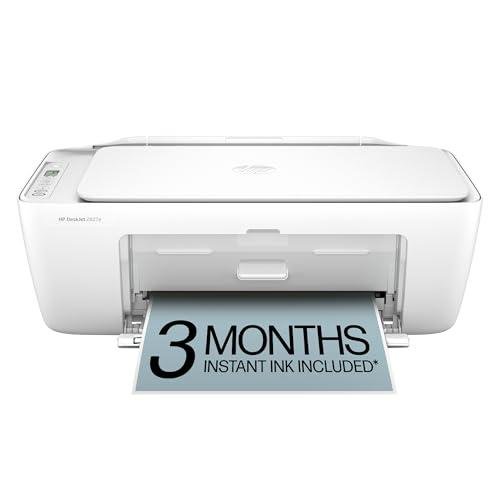
Smart Printers/Scanners: Modern print and scan functions must be fast, accurate, and deeply integrated into the cloud. A Smart Printer/Scanner allows you to manage tasks remotely, often features document processing and cloud storage integration, and can even monitor its own ink and paper levels. This capability transforms document flow into a low-effort task, contributing significantly to professional Enhanced Comfort .
Visualization and Collaboration: Idea Generation and Sharing
To move ideas forward, you need effective ways to visualize and share them, especially in a hybrid or remote environment.
-
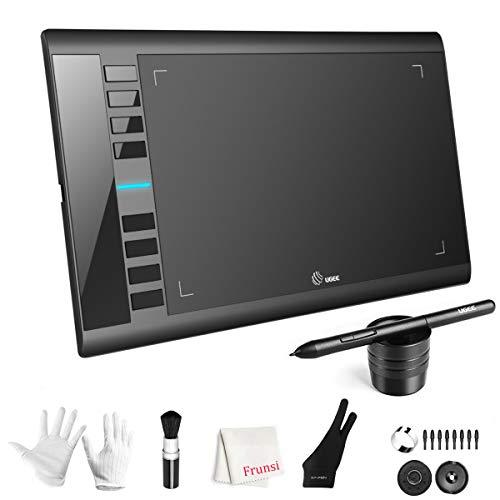
Digital Whiteboards: Perfect for brainstorming, remote teaching, or collaborative projects, Digital Whiteboards offer a massive interactive canvas. They allow multiple users to write, draw, and share screens in real-time, often saving the entire session to the cloud instantly. This powerful collaboration tool offers Seamless Control over complex visual ideas, making remote meetings as dynamic as in-person sessions.
-
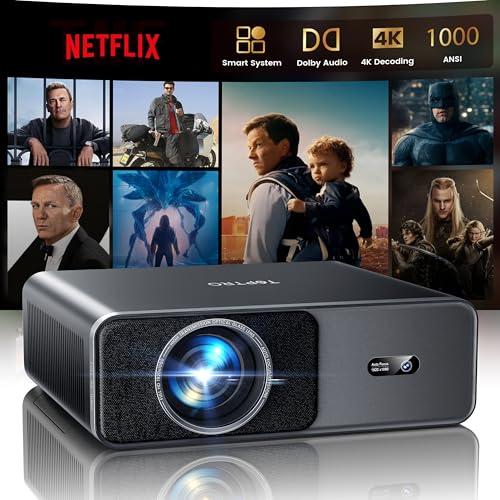
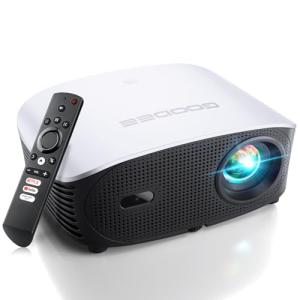
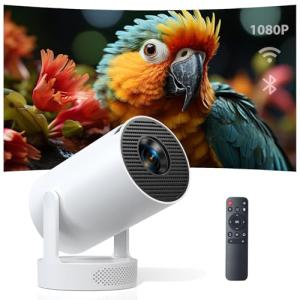
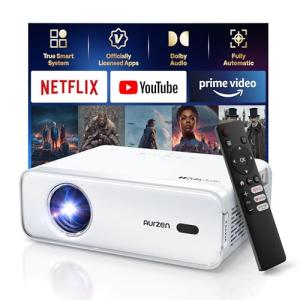
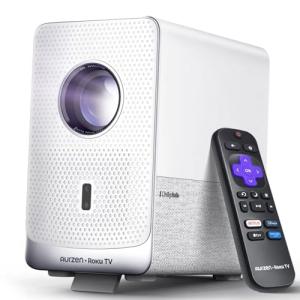
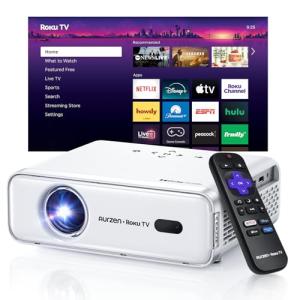
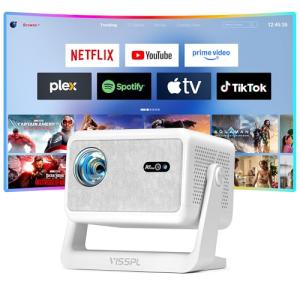
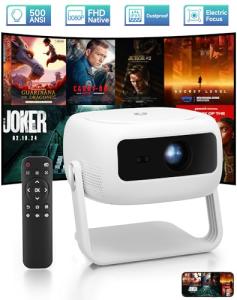
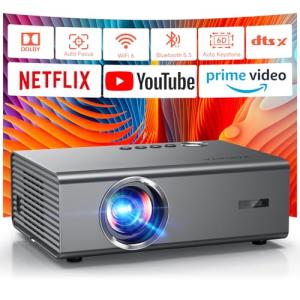
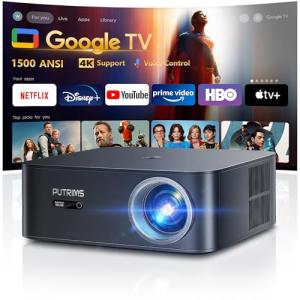
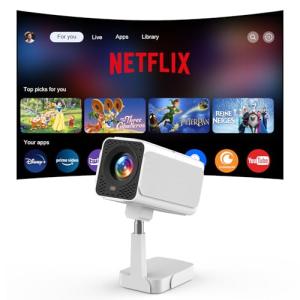
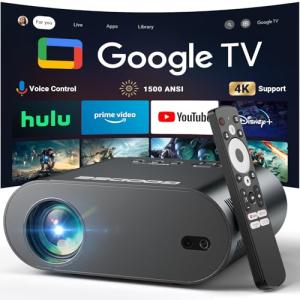
Smart Projectors: Moving beyond static screen mirroring, Smart Projectors integrate connectivity and app support. They are ideal for high-impact presentations, creating large-format media viewing, or projecting templates for physical collaboration. Their portability and smart features simplify setup, eliminating the hassle of cables and drivers, thereby enhancing the overall Enhanced Comfort of giving a presentation or teaching a class.
You should layer your Productivity Tools logically: Begin with Smart Planners/Calendars as your central command center for time management. Next, use Digital Whiteboards for brainstorming and collaboration, and a Smart Projector for high-impact viewing and idea sharing. Finally, deploy a Smart Printer/Scanner for physical documentation and digital archiving. This integrated ecosystem ensures that every step of your workflow, from scheduling to presentation, is backed by dedicated Productivity Tools .
3. 🧪 Key Technical Standards and Advanced Use Cases
The effectiveness of Productivity Tools relies heavily on cloud communication and network standards. Wi-Fi 6 connectivity is essential for devices like Digital Whiteboards and Smart Projectors to ensure lag-free, high-bandwidth mirroring and real-time cloud saving. For security, WPA3 Encryption is crucial, especially for Smart Printers/Scanners handling sensitive documents.
A critical standard for seamless operation is Open API/Ecosystem Integration . High-end Productivity Tools should connect natively with major third-party platforms (Google Workspace, Microsoft 365, Slack) to facilitate automated scheduling, file sharing, and remote access.
Consider an advanced use case: Optimizing the Home Office Environment for a Remote Teacher/Consultant.
This user needs to seamlessly manage live instruction, presentation, and document dispersal. They can link their Smart Planner/Calendar to their home office automation hub. When a meeting starts, the planner can trigger the Smart Projector to power on, the lights to dim, and the Digital Whiteboard to pull up the correct lesson plan from the cloud. This automated sequence delivers superior Seamless Control and a dedicated professional environment.
Furthermore, the Smart Printer/Scanner can be used for Secure Monitoring of sensitive data flow. By enabling features like password-protected printing or mandatory cloud encryption before a scan is saved, you ensure that confidential client documents are handled with digital rigor, fulfilling a key aspect of Secure Monitoring your professional operations. This is how dedicated Productivity Tools protect both your time and your data.
4. Lifestyle Guide
Your choice of Productivity Tools should align precisely with the demands of your workflow, from basic scheduling to complex visual collaboration. Here are three distinct archetypes and the perfect system tailored for each.
🧘 The Simplicity-Seeking User (The "Household Coordinator")
Your primary need is domestic and familial organization. You need simple, centralized scheduling and hassle-free documentation for household bills, school papers, and family events. You value Enhanced Comfort through clarity and consolidation.
-
The Fit: You require high-visibility organizational tools and reliable print/scan functions that everyone can use easily, without complex IT setups.
-
Recommendation: A Smart Planner/Calendar paired with a Smart Printer/Scanner . The planner serves as the family's centralized information hub, consolidating everyone's schedules. The printer/scanner handles all administrative tasks (homework, forms) effortlessly, ensuring Seamless Control over household logistics using essential Productivity Tools .
🚀 The Performance-Focused User (The "Collaborative Executive")
Your work revolves around high-impact presentations, complex brainstorming sessions, and the need to visually lead remote teams. You demand dynamic, interactive tools that can instantly capture and share large-format content. You require Seamless Control over complex collaboration.
-
The Fit: You need large-format interactive and projection devices that offer real-time cloud synchronization and superior visual fidelity for complex data.
-
Recommendation: A Digital Whiteboard combined with a Smart Projector . The Whiteboard provides the interactive canvas for live problem-solving and permanent cloud saving. The Projector allows you to display detailed documents or data onto a huge wall, transforming your office into a dynamic presentation space. This combination of Productivity Tools maximizes high-level output and communication.
💼 The Budget-Expansion User (The "Remote Student/Entrepreneur")
You need core functionality for time management and simple presentation, but your setup must be space-conscious and affordable. You seek Secure Monitoring of your schedule and documents without premium investment.
-
The Fit: You need cost-effective tools that punch above their weight in terms of digital integration and portability, making the most of limited physical space.
-
Recommendation: A Smart Planner/Calendar paired with a Smart Printer/Scanner . The Calendar is your primary organizational tool, keeping deadlines visible and synced. The printer/scanner provides the necessary print-on-demand and digital archiving capability for class notes or business documents, ensuring you maintain Secure Monitoring of all materials while focusing on essential Productivity Tools .
5. COMPLEMENTARY CATEGORY RECOMMENDATIONS
| Recommended Categories |
Why This Category Is Useful Specifically for This Product |
Short Usage Scenario |
| Monitors Displays |
Smart Projectors and Digital Whiteboards often require a standard monitor to run supporting software or manage dual display, ensuring Seamless Control over presentation content. |
Running a video conference on your main monitor while simultaneously projecting a collaborative document onto the wall via a Smart Projector . |
| Networking Gear |
Fast, reliable Wi-Fi 6 is crucial for Digital Whiteboards and Smart Printers/Scanners to ensure real-time collaboration and cloud syncing are lag-free. |
Instantly saving a massive, multi-page document from your Smart Printer/Scanner to the cloud over a high-speed Wi-Fi network. |
| Smart Home Control |
Central hubs and voice assistants can be used to set timers or reminders based on events in your Smart Planners/Calendars , improving household coordination and Enhanced Comfort . |
Asking your voice assistant what the next item on your Smart Planner/Calendar is and having the answer read aloud while you are preparing dinner. |
| Peripherals |
Smart Notepads and ergonomic mice/keyboards are the input devices that feed data (notes, text) into your Productivity Tools like scanners and calendars, ensuring data quality. |
Digitizing handwritten meeting notes from your smart notepad and instantly emailing the PDF using your Smart Printer/Scanner app. |
| Office Lighting |
Smart lighting should be optimized to reduce glare on Digital Whiteboards or adjust for viewing projected images, ensuring a comfortable viewing environment. |
Automatically dimming the overhead lights and turning on accent lighting when the Smart Projector is turned on for a movie night. |
| Power Storage |
UPS systems should protect Smart Printers/Scanners to prevent data corruption or device damage during unexpected power interruptions, providing Secure Monitoring of hardware integrity. |
Connecting your Smart Printer/Scanner to a UPS to ensure a large document print job is completed safely during a brief power flicker. |
| Automation Tools |
Wireless programmable buttons can be configured to trigger complex actions (e.g., "Presentation Mode") involving multiple Productivity Tools simultaneously. |
Hitting a button next to the Digital Whiteboard to simultaneously start a cloud recording and launch the presentation software on the projector. |
| Privacy Security |
VPN routers and privacy features ensure that sensitive documents handled by your Smart Printers/Scanners remain encrypted and protected during network transfer. |
Ensuring all documents scanned by the Smart Printer/Scanner are uploaded to the cloud via a protected VPN connection for maximum data security. |
Committing to high-performance Productivity Tools is the strategy for overcoming workflow friction and maximizing your personal and professional output. By integrating devices like Digital Whiteboards and Smart Planners/Calendars , you establish Seamless Control over time and collaboration. This specialized investment guarantees the Enhanced Comfort of an efficient workspace and robust Secure Monitoring for all your critical data and schedules.