Establishing a mobile workspace or an immersive gaming setup no longer requires being tethered to a bulky desktop monitor. Modern portable displays offer the flexibility to extend a laptop screen, connect a gaming console on the go, or share presentations directly from a smartphone. These slim, lightweight devices balance high-definition visuals with seamless connectivity to enhance productivity and entertainment anywhere.
Portable Monitors
Boost your productivity and enjoy a larger screen experience wherever you go
Product List
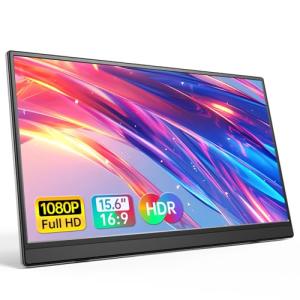
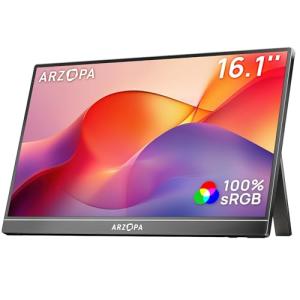
ARZOPA 16.1" Portable Monitor
Arzopa
Product Review Score
4.57 out of 5 stars
188 reviews$119.99 $68.99
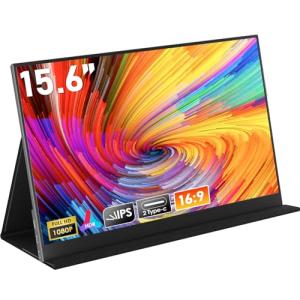
HONGO 15.6'' Portable Monitor
Hongo
Product Review Score
4.79 out of 5 stars
12 reviews$49.99 $42.49
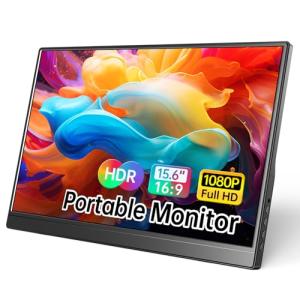
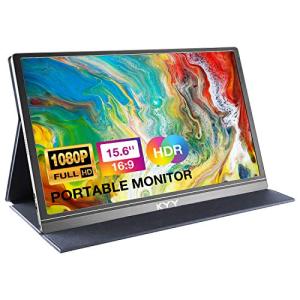
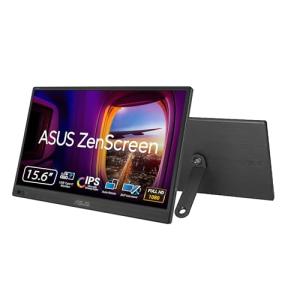
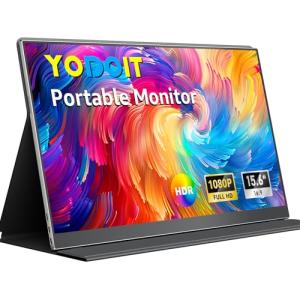
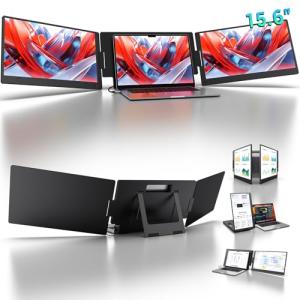

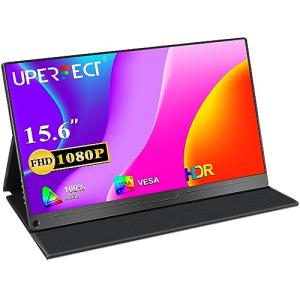
15.6" Gaming Monitor with Speakers
Uperfect
Product Review Score
4.36 out of 5 stars
98 reviews$77.99
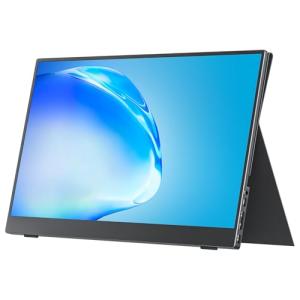
Cocopar 15.6" Portable Monitor
Cocopar
Product Review Score
4.64 out of 5 stars
14 reviews$169.99 $109.98
💡 Practical Usage Tips
- Connecting a secondary power source to the monitor often allows the screen to reach its maximum brightness without draining the laptop battery.
- Adjusting the display settings to match the native resolution of the host device ensures that text and icons appear crisp and properly scaled.
- Using a padded sleeve during transport protects the delicate IPS Panel from pressure damage that can occur inside a crowded backpack.
- Checking for DisplayPort Alt Mode compatibility on the host device's USB-C port is essential for achieving a single-cable video and power connection.
✅ What to Look For & ⚠️ What to Avoid
Essential Features:
- High color accuracy is vital for creative work, and the Arzopa Z1C stands out with its 100% sRGB color gamut coverage.
- An integrated mechanical Kickstand offers much better stability and adjustable viewing angles than flimsy magnetic covers.
- Dual USB-C Ports with power passthrough allow the monitor to charge a phone or laptop while in use.
- Vertical screen real estate is improved with a 16:10 Aspect Ratio, providing more space for reading documents or writing code.
Common Pitfalls:
- Monitors that rely solely on software drivers can experience significant lag and may not work with certain operating systems.
- Glossy screens often suffer from intense reflections in bright offices, making a Matte Anti-Glare coating a safer choice for versatility.
- Built-in speakers on these thin devices are usually very quiet and lack bass, so they should not be relied upon for high-quality audio.
- Magnetic smart covers can easily slip on smooth surfaces, potentially leading to the monitor falling over during use.
🛡️ Build Quality & Performance
The structural integrity of a portable monitor often dictates its lifespan. Most entry-level models utilize plastic frames to keep weight to a minimum, though this can sometimes result in a slight flex when the device is handled. Higher-end units frequently incorporate aluminum alloys or reinforced hinges that feel significantly more robust. The choice between a magnetic folio cover and a built-in stand is also a major factor in daily durability. While covers protect the screen during travel, integrated stands like the one found on the Anyuse Portable Monitor provide a more permanent, stable feel for long work sessions.
Performance is largely determined by the internal controller board and the quality of the panel. A Refresh Rate of 60Hz is standard for office tasks, providing smooth cursor movement and video playback. However, gaming-centric displays have pushed these boundaries further. Thermal management is another aspect of performance; thin "Zero-Frame" designs look modern but can become warm to the touch near the bottom bezel during extended use at maximum brightness or when utilizing HDR modes.
🏆 Top Recommendations
| Best For | Model Name | Key Feature | Why It Wins |
|---|---|---|---|
| Mobile Gaming | Arzopa Z1FC | 144Hz Refresh Rate | Superior motion clarity for fast-paced games. |
| Outdoor Use | MNN 14" Display | 400 Nits Brightness | High luminance cuts through ambient glare easily. |
| Desk Setups | UPERFECT 15.6" | VESA Mountable | Easily attaches to standard monitor arms. |
| Max Workspace | KYY X90D | Triple-Screen Design | Expands a laptop into three displays simultaneously. |
❓ Frequently Asked Questions
Will a portable monitor work with any laptop?
Most modern laptops with a USB-C port that supports video output or an HDMI port are compatible. However, it is important to check if the specific port provides enough power, or if a separate power cable will be needed to keep the screen on.
Do these monitors have internal batteries?
Most standard portable monitors do not contain internal batteries and rely on the host device for power. This makes them lighter and easier to carry, though it will drain the battery of the connected laptop or phone more quickly.
Can these be used for gaming consoles like the PS5 or Switch?
Yes, portable monitors work very well with consoles via Mini-HDMI or USB-C. For consoles like the Nintendo Switch, the monitor usually needs to be connected to an external power source to trigger the console's "docked" mode for video output.
Would you like me to compare the specific weight and dimensions of these models to help you find the best fit for your laptop bag?