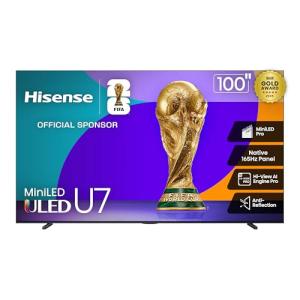
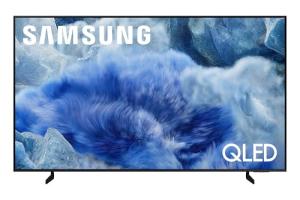
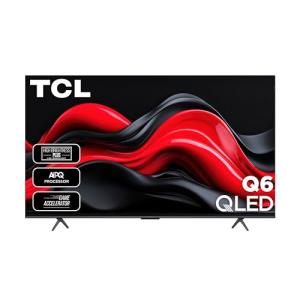
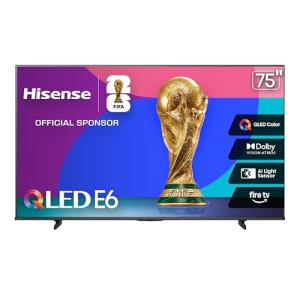
📺 The Ultimate Guide to Big Screen Smart Tvs: Your Home's New Command Center
The modern living room is no longer just a place for passive entertainment; it’s a fully integrated media and smart home hub. The challenge you face is selecting a display large enough for a truly immersive, cinematic experience while ensuring it has the processing power and smart platform to handle everything else. A true Big Screen Smart TV solves this problem by seamlessly combining colossal size with cutting-edge smart features, turning your living room wall into a dynamic, interactive portal.
1. 🔍 The Deep Dive: Understanding Your Big Screen Smart Tvs
The core problem these enormous displays address is simple: maximizing immersion without compromising modern functionality. You want the kind of picture quality that makes a blockbuster movie feel like a private screening, while retaining effortless control over your connected life. A 75-inch or larger Big Screen Smart TV delivers this by focusing on three main areas: display technology, integrated intelligence, and robust connectivity.
Core Functionality
The essential features of a high-end Big Screen Smart TV go far beyond simply displaying a picture. Resolution is key, with 4K Ultra HD being the minimum standard and 8K models offering even greater future-proofing. However, resolution is meaningless without supporting technology. Look for HDR (High Dynamic Range) support like Dolby Vision or HDR10+, which dramatically enhances contrast and color vibrancy. For gaming or action-packed sports, a native 120Hz refresh rate is critical to eliminate motion blur and ensure a smooth picture.
The "smart" component is driven by the operating system—Roku TV, Google TV, Samsung’s Tizen, or LG’s webOS. These platforms provide Remote Access to all your streaming apps and a user interface designed for simplicity. Many modern models also feature built-in microphones for voice control via Alexa or Google Assistant, integrating your TV into the smart home ecosystem. You can literally ask your Big Screen Smart TV to show you the weather or control the lights without lifting a finger.
Comparison
How does a Big Screen Smart TV compare to its non-smart equivalent, or a simple TV paired with a streaming stick? A traditional, large display requires you to juggle remotes and rely entirely on external devices for every single function. This leads to a tangle of wires and an inherently clunky experience.
In contrast, a modern Big Screen Smart TV features deep hardware-software integration, offering a more responsive, streamlined experience. Instead of an add-on, features like Energy Efficiency modes, gaming enhancements (like Variable Refresh Rate or Auto Low Latency Mode), and 24/7 Monitoring capabilities (often via an always-on ambient mode) are baked into the core operating system. For the US consumer focused on aesthetics and ease of use, the integrated solution is unequivocally superior.
2. 🔌 Choosing Your System: Key Features and Compatibility
Selecting the right big screen for your family room or dedicated home theater in your Texas home involves balancing panel technology with your use case. You have three main variations to consider.
Essential Variations
-
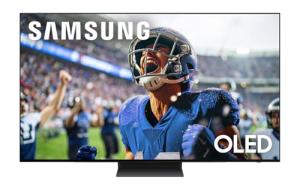
OLED (Organic Light-Emitting Diode): Offers perfect black levels and infinite contrast because each pixel provides its own light. This is the ultimate choice for dedicated, low-light home theaters, giving you unparalleled picture depth for cinematic viewing. The drawback is typically a higher cost and slightly lower peak brightness compared to QLED, which might be a factor in a brightly sunlit Florida living room.
-
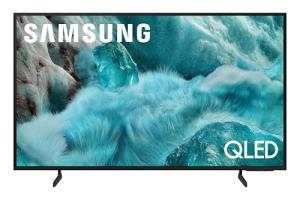
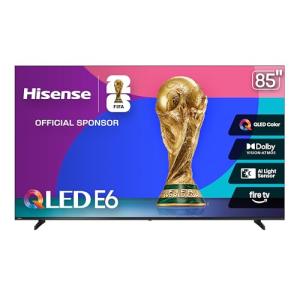
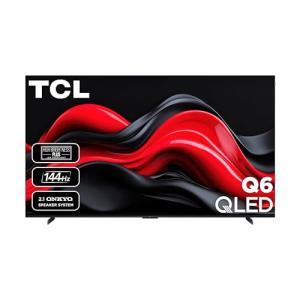
QLED/Mini-LED (Quantum Dot/Mini-LED Backlit): These technologies use a powerful backlight paired with quantum dots for incredibly vibrant colors and exceptional peak brightness. QLED/Mini-LED excels in bright environments, making it ideal for a multi-purpose family room where you might watch a football game on a sunny Saturday. While contrast is excellent, it may not achieve the pure black of OLED.
-
Projector/Screen Hybrid (Ultra-Short Throw): While technically not a TV, a UST projector creates an image size that blows traditional Big Screen Smart Tvs out of the water (up to 120-150 inches). Modern smart UST projectors include all the streaming and voice assistant features. The trade-off is the need for a specific projector screen for the best image quality. This is perfect if your goal is the absolute largest image possible in a dedicated media room.
Compatibility Protocols
Your Big Screen Smart TV is the visual cornerstone of your smart home. Therefore, its ability to integrate with other devices is paramount.
-
Wi-Fi/Ethernet: Crucial for high-bandwidth 4K/8K streaming. We recommend using a wired Ethernet connection for your Big Screen Smart TV if possible to ensure rock-solid performance, especially for competitive gaming or if your US home has a congested Wi-Fi environment.
-
Voice Assistant Ecosystem: Nearly all models feature built-in support for Amazon Alexa or Google Assistant. This allows you to use the TV’s microphone for hands-free control of your smart lights, thermostat, or other connected devices.
-
HDMI 2.1: If you are a serious gamer, look for HDMI 2.1 ports. This is essential for unlocking 4K resolution at 120 frames per second, ensuring your console provides the best performance for Remote Access gaming on the big screen.
-
Matter/Thread: While less common today, future-proofing your purchase means looking for TVs with Matter protocol compatibility. This will allow your TV’s smart platform (like Samsung’s SmartThings or Google Home) to communicate natively and securely with a wider range of smart products, strengthening your 24/7 Monitoring capabilities across all devices.
3. 🛠️ Installation and Setup Walkthrough
A large display requires careful planning. You cannot simply install an 85-inch screen the same way you would a small bedroom TV.
Pre-Installation
-
Confirm Structural Integrity: For wall mounting, especially with Big Screen Smart Tvs weighing over 100 pounds, you must locate two stable wall studs—never rely solely on drywall anchors. In a modern apartment building with metal studs, you will need specialized metal stud mounting hardware.
-
Verify Power and Network: Install an in-wall power extension kit behind the planned TV location. Ensure the closest Wi-Fi access point or Ethernet port is dedicated to providing reliable, high-speed connectivity to support 4K streaming and the TV's various smart functions like 24/7 Monitoring of connected cameras.
-
Determine Viewing Height: The center of your screen should be at eye level when seated. For a standard US sofa, this usually places the TV center between 42 and 48 inches from the floor. Do not mount it too high, even if it is convenient above a fireplace.
Installation Guide
-
Mount Installation: Use a level to mark the precise position of your wall mount plate. Pre-drill pilot holes. Anchor the mount securely into at least two studs using heavy-duty lag bolts. If you must use drywall anchors, verify their weight rating is triple the weight of your TV and mount combined.
-
Cable Routing: Before lifting the TV, run all necessary cables (power, HDMI, optical audio) through in-wall raceways or cable tunnels to conceal them. This ensures a clean look and prevents you from having to fish cables later.
-
The Lift: This is a two-person job, non-negotiable. Carefully lift your Big Screen Smart TV onto the mount and lock it in place.
-
Initial Setup: Connect the TV to your network (ideally wired Ethernet for reliable Remote Access ). The setup wizard will guide you through connecting your voice assistant (Alexa/Google) and downloading your essential streaming apps.
Troubleshooting
-
Issue: Screen Flickers at 4K/120Hz.
-
Fix: The HDMI cable is likely the problem. You need a certified Ultra High Speed HDMI 2.1 cable, especially for long runs (over 10 feet). Standard HDMI cables cannot handle the required bandwidth.
-
-
Issue: Voice Assistant Not Responding.
-
Fix: Your TV’s microphone array is either physically muted (look for a physical switch or button on the TV bezel) or your smart platform needs a re-authorization. Re-link the TV within the Google Home or Alexa app on your phone.
-
-
Issue: Slow App Loading/Streaming Buffering.
-
Fix: Test your Wi-Fi or Ethernet speed directly from the TV's network settings. If the speed is low, reboot your main router/modem. For persistent issues, use your router's app to assign a high Quality of Service (QoS) priority to your Big Screen Smart TV to ensure it always gets the required bandwidth for seamless Remote Access .
-
4. Advanced Automation and Maximizing Value
The true power of modern Big Screen Smart Tvs is their role as a central control surface. You can use its 24/7 Monitoring display and automation capabilities to enhance comfort and Energy Efficiency .
Automation Scenarios
-
The Cinematic Scene Setter: Set up a routine (e.g., "Movie Night") that triggers when you launch Netflix on your Big Screen Smart TV . This single voice command or button press can automatically:
-
Dim your smart living room lights to 10%.
-
Close your smart window shades or blinds.
-
Turn on your soundbar or home theater receiver.
-
-
Interactive Camera Monitoring: Leverage the TV’s ability to display camera feeds. For instance, if your smart doorbell is pressed or a home-security camera detects motion after 10 PM, an automation can be set to instantly show the camera feed in a picture-in-picture window on your Big Screen Smart TV , even if you are gaming. This combines high-tech entertainment with proactive 24/7 Monitoring .
-
Peak-Hour Energy Efficiency: Use a smart power strip to track the TV’s power consumption. An automation can be set to gently lower the screen brightness and switch the TV's picture mode to a low-power setting during peak utility hours (e.g., 4 PM – 7 PM), improving overall Energy Efficiency without a noticeable drop in picture quality.
Longevity & Maintenance
Keep your investment running smoothly for years. Always allow your Big Screen Smart TV to install firmware and operating system updates immediately. These updates not only add new features but often patch security vulnerabilities related to Remote Access and improve performance. For panel maintenance, use only approved cleaning solutions and microfiber cloths—never spray liquid directly onto the screen. Finally, if your TV has Energy Efficiency settings, use them. They are designed to extend the life of the panel's backlight by reducing unnecessary strain.