Selecting the right gaming headset is about finding the perfect balance between clear communication, immersive audio, and long-term physical comfort. Whether the goal is competitive edge through directional sound or simply enjoying a cinematic story without distractions, understanding the underlying technology helps in making an informed choice. This guide breaks down the essential hardware standards for modern gaming environments.
Gaming Headsets
Experience immersive sound and unbeatable comfort for the ultimate gaming adventure
Product List
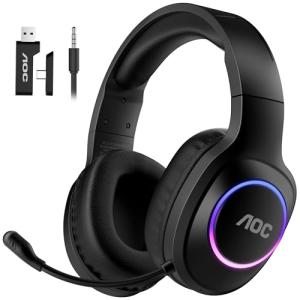
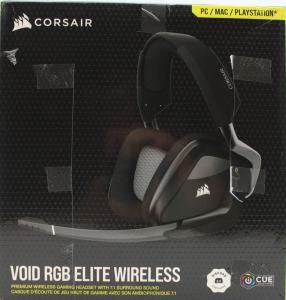
Corsair Void Elite Wireless Headset
Corsair
Product Review Score
4.32 out of 5 stars
21 reviews$24.99
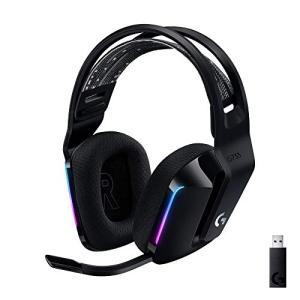
Logitech G733 Wireless RGB Headset
Logitech G
Product Review Score
4.42 out of 5 stars
189 reviews$159.99 $89.99
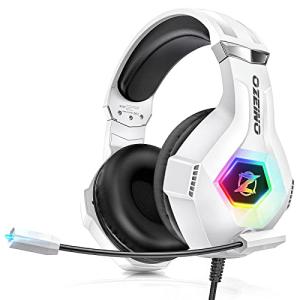
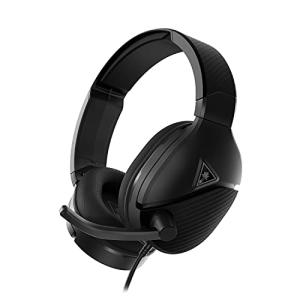
Turtle Beach Recon 200 Headset
Turtle Beach
Product Review Score
4.95 out of 5 stars
107 reviews$29.99
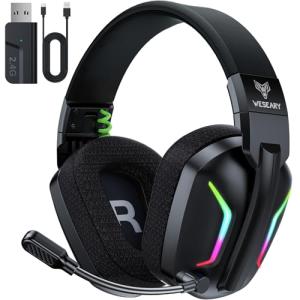
WESEARY Noise-Canceling Gaming Headset
Weseary
Product Review Score
4.74 out of 5 stars
158 reviews$29.99 $25.49
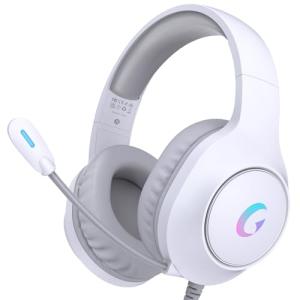
CM7002 Surround Sound Headset
Syndesmos
Product Review Score
4.87 out of 5 stars
31 reviews$29.99 $23.74
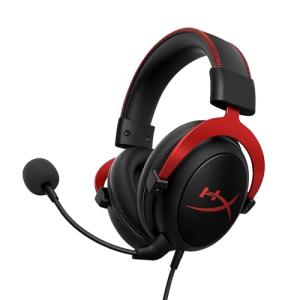
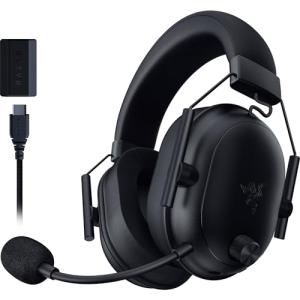
Razer BlackShark V2 Headset
Razer
Product Review Score
4.28 out of 5 stars
35 reviews$129.99 $59.99
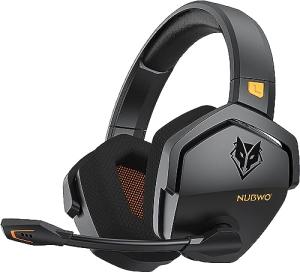
NUBWO Wireless Gaming Headset
Nubwo
Product Review Score
4.39 out of 5 stars
195 reviews$49.99 $29.99
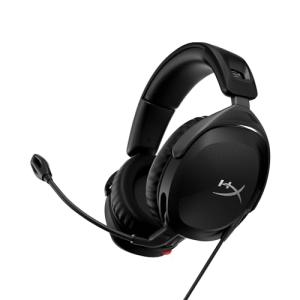
HyperX Cloud Stinger 2 Headset
Hyperx
Product Review Score
4.38 out of 5 stars
21 reviews$49.99 $29.98
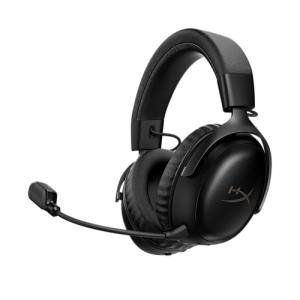
HyperX Cloud III Wireless Headset
Hyperx
Product Review Score
4.11 out of 5 stars
204 reviews$179.99 $119.99
💡 Practical Usage Tips
- Positioning the wireless transceiver in a direct USB 2.0 PORT helps minimize signal interference from nearby high-speed storage devices.
- Utilizing a standard 5V/1A power source for charging ensures the LITHIUM-ION BATTERY remains healthy and avoids unnecessary heat stress.
- For wired headsets that rely on an internal amplifier, maintaining a consistent charge is necessary even when using a 3.5MM ANALOG connection.
- Adjusting the SUSPENSION HEADBAND tension periodically can prevent the material from losing its elasticity over several months of heavy use.
✅ What to Look For & ⚠️ What to Avoid
Must-Haves:
- Look for ALUMINUM YOKES or steel-reinforced frames to ensure the headset survives daily stretching and accidental drops.
- Seek out models with a 2.4GHZ WIRELESS connection for lag-free gaming, as seen in the Razer BlackShark V2.
- Prioritize USB-C CHARGING ports for better durability and faster power delivery compared to older connection types.
Red Flags:
- Be cautious of ABS PLASTIC hinges without metal reinforcement, as these are common failure points under physical stress.
- Avoid headsets that rely entirely on software for VIRTUAL SURROUND SOUND if the device will be used on consoles where that software cannot be installed.
- Watch out for high IMPEDANCE ratings on analog headsets, which might result in very quiet audio when plugged into a standard game controller.
🛡️ Build Quality & Performance
The structural integrity of a gaming headset is often determined by the materials used in the headband and ear cup pivots. While lightweight polymer designs offer immediate comfort and a lower total mass, they are more susceptible to brittle fractures over time. In contrast, models like the HyperX Cloud II utilize aluminum components that provide a much more stable vertical strength profile. This durability is essential for users who frequently adjust their headsets or engage in long sessions where material fatigue is a factor.
Performance is driven by the internal NEODYMIUM DRIVERS, which translate electrical signals into the sound waves heard during gameplay. Larger drivers, typically around 50mm, allow for greater air displacement and often result in more powerful low-frequency responses. However, the software layer also plays a significant role. High-end units often use complex algorithms to handle SPATIAL AUDIO, creating a 360-degree soundstage that helps players identify the exact direction of in-game footsteps or environmental cues.
🏆 Top Recommendations
| Best For | Model Name | Key Feature | Why It Wins |
|---|---|---|---|
| Battery Life | Cloud III S Wireless | 120-Hour Runtime | Unrivaled endurance for marathon sessions. |
| Pro Audio | BlackShark V2 | Titanium Drivers | Elite microphone clarity and frequency separation. |
| Lightweight | Logitech G733 | 278g Mass | Suspension strap reduces neck strain. |
| Console Ease | Cloud Stinger 2 | Passive Analog | Reliable plug-and-play with no batteries needed. |
❓ Frequently Asked Questions
What is the benefit of a 2.4GHz connection over Bluetooth?
A 2.4GHz connection uses a dedicated USB dongle to transmit audio with much lower latency than standard Bluetooth. This ensures that the sound you hear matches exactly what is happening on screen, which is vital for fast-paced gaming.
Does driver size always mean better sound quality?
While a larger 50mm driver can move more air to create deeper bass, the quality of the materials and the internal tuning are equally important. A well-engineered 40mm driver can often outperform a generic 50mm driver in terms of clarity and detail.
Why does my wireless headset mic sound different from a wired one?
Wireless headsets must compress the microphone signal to transmit it over the air alongside the game audio. This process can sometimes reduce the vocal range, whereas wired connections have the bandwidth to carry a fuller, uncompressed signal.